Most B2B teams assume their inbound funnel is working because leads are coming in. But the real question isn't whether someone fills out a form. It's what happens in the 30 seconds after they do. The difference between a 35% qualified-to-booked rate and a 78% one isn't lead quality or ad spend. It's the infrastructure between "submit" and "scheduled." That's where HubSpot lead routing rules come in, and where most teams are quietly losing pipeline without realizing it. If your current process involves a manual review queue, an SDR eyeballing a spreadsheet, or a "thanks, we'll be in touch" confirmation page, you're watching intent decay in real time. The companies that book nearly 8 out of 10 qualified leads into meetings have made a structural decision: they treat inbound scheduling as a conversion event, not an afterthought. Understanding how routing rules actually work, and where they break down, is the first step toward closing that gap.
The Lead Decay Problem: Why Traditional Routing Fails Modern GTM Teams
The old playbook looks something like this: a lead fills out a form, the submission lands in a queue, someone manually reviews it, maybe routes it, maybe sends an email. Days pass. Intent decays. The meeting that should have happened never does. This isn't a hypothetical. It's the default workflow baked into most CRM setups, including HubSpot, when teams don't actively redesign it.
The five-minute rule that sales leaders once treated as gospel is already obsolete. Buyers in 2026 are evaluating multiple vendors simultaneously. By the time your SDR opens that lead notification, your prospect may already have a demo booked with a competitor. The conversion probability drops from roughly 80% in the first minute to around 40% by the next day. Every hour of delay is pipeline you'll never recover.
The Cost of Manual Review and Delayed Follow-up
Manual review queues create two problems. First, they add latency that kills conversion. Second, they introduce inconsistency. One rep might follow up in 10 minutes; another might take a full business day. Your median response time, not your average, reveals the real story. Averages get skewed by a handful of fast responses, hiding the systemic delays that most leads actually experience.
The Gap Between 35% and 78% Conversion Rates
Data from over one million inbound form submissions shows that top-performing B2B SaaS companies book 78% or more of their qualified leads into meetings. The median sits at 62%. The bottom quartile hovers around 53%. That gap between 35% and 78% isn't explained by better leads or bigger budgets. It's explained by what happens after the form fill: instant qualification, automated routing, and an immediate calendar. No waiting. No "we'll be in touch."
Core Principles of HubSpot Lead Routing Rules
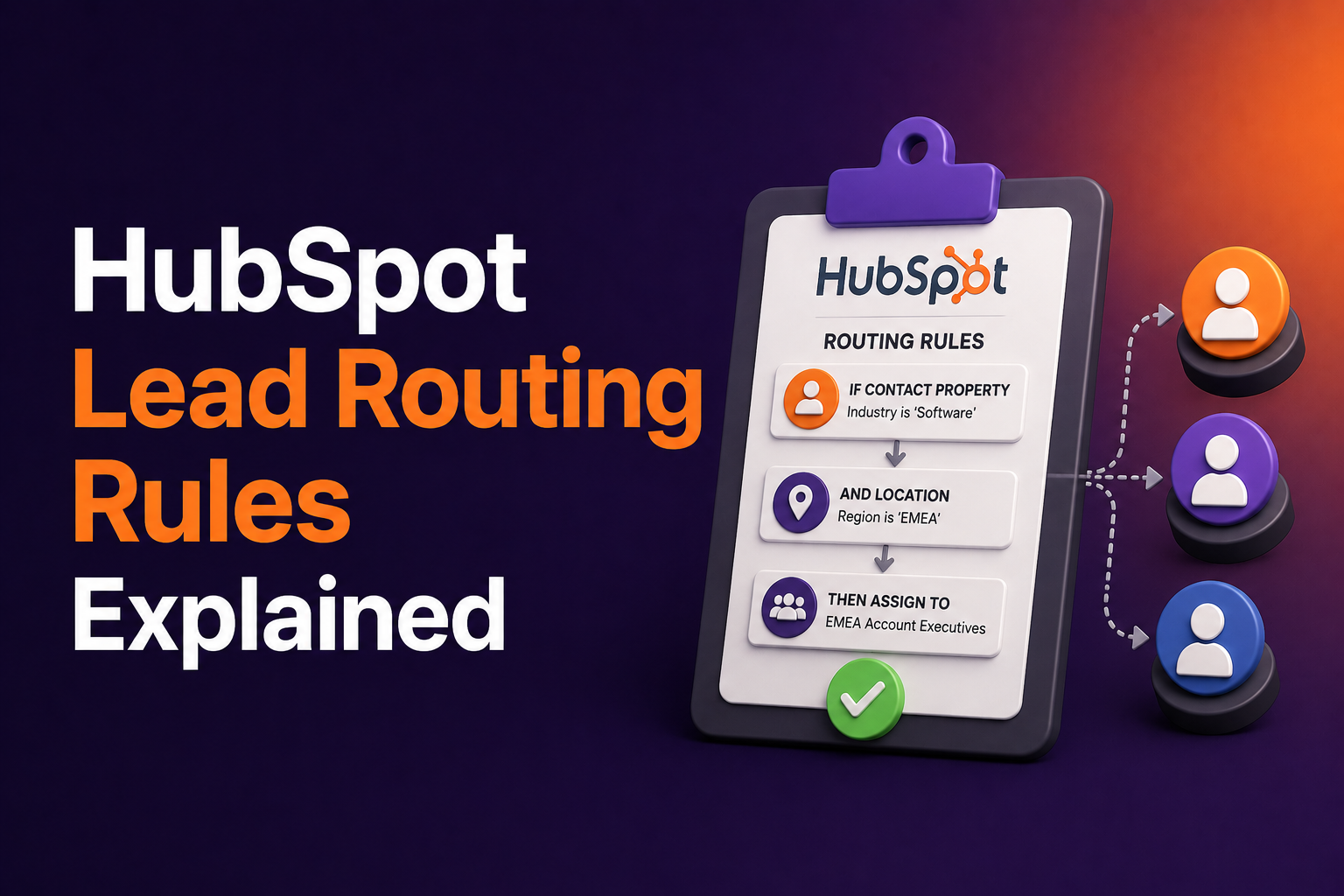
HubSpot's routing logic operates through workflows, and the principles behind effective routing are straightforward. You need to answer three questions for every inbound lead: Does this person qualify? Who should own this conversation? And how fast can you get them on a calendar?
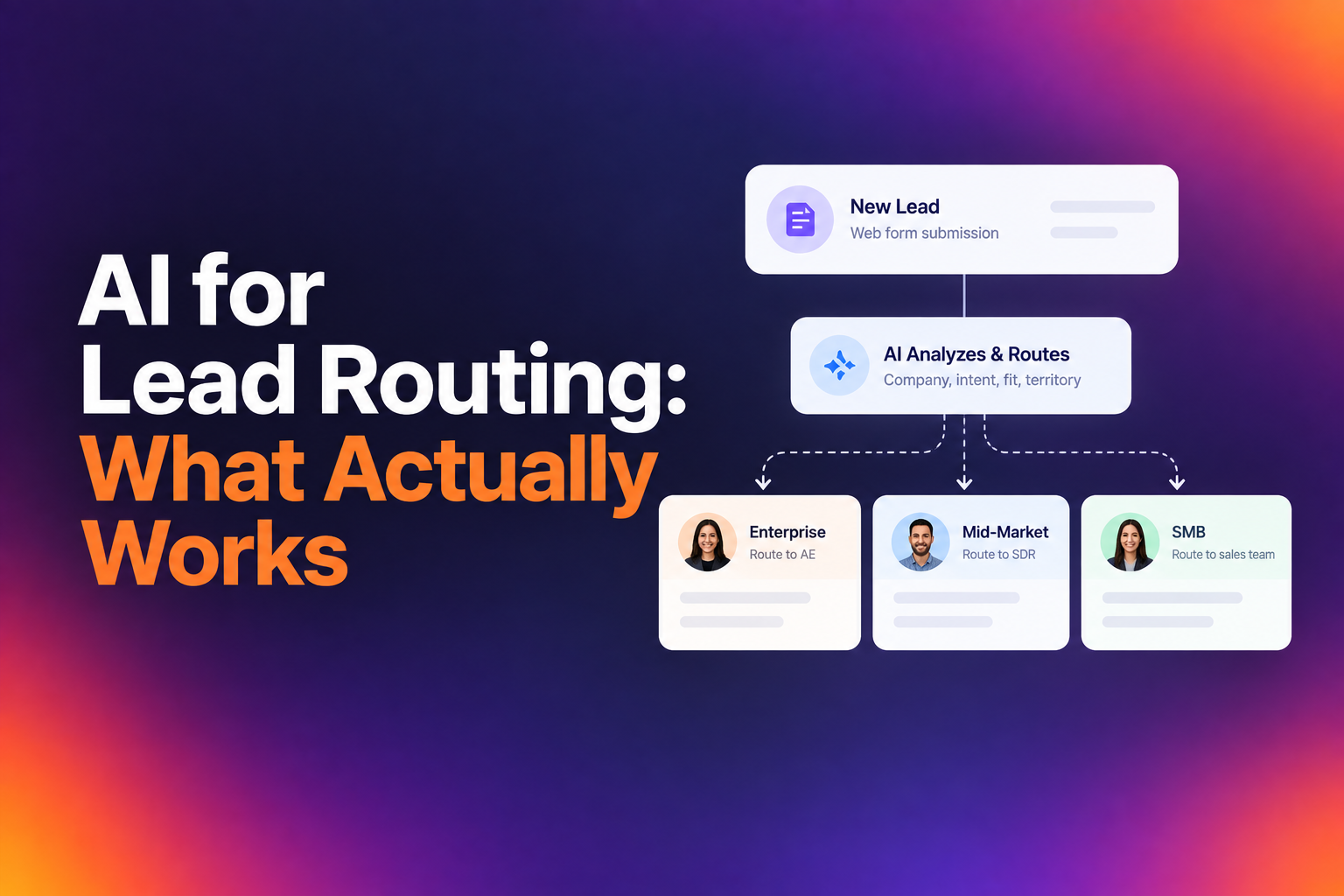
Routing rules in HubSpot can be configured using contact properties, form submission data, company attributes, and lifecycle stage. The goal is to eliminate human decision-making from the assignment process entirely, so that the right rep gets the right lead without anyone manually triaging a queue.
Routing by CRM Ownership and Historical Data
One of the most overlooked routing principles is respecting existing CRM relationships. If a lead comes in from a company that already has an account owner in your CRM, routing that lead to a random rep through round robin is a mistake. It creates confusion, duplicates conversations, and frustrates both the buyer and your team. Effective HubSpot routing checks for existing account ownership first and only falls through to other assignment logic when no prior relationship exists.
Round Robin vs. Geographic Assignment Rules
Round robin is the default for most teams, and it works well for even distribution across a small sales team. But as your org scales, geographic or territory-based routing becomes essential. A lead from EMEA shouldn't land with a rep who works Pacific time. HubSpot allows you to build branching logic based on country, state, or region fields, but the accuracy of that routing depends entirely on the data you're collecting at the form level or enriching post-submission.
Using Form Responses and Enrichment Data for Real-Time Qualification
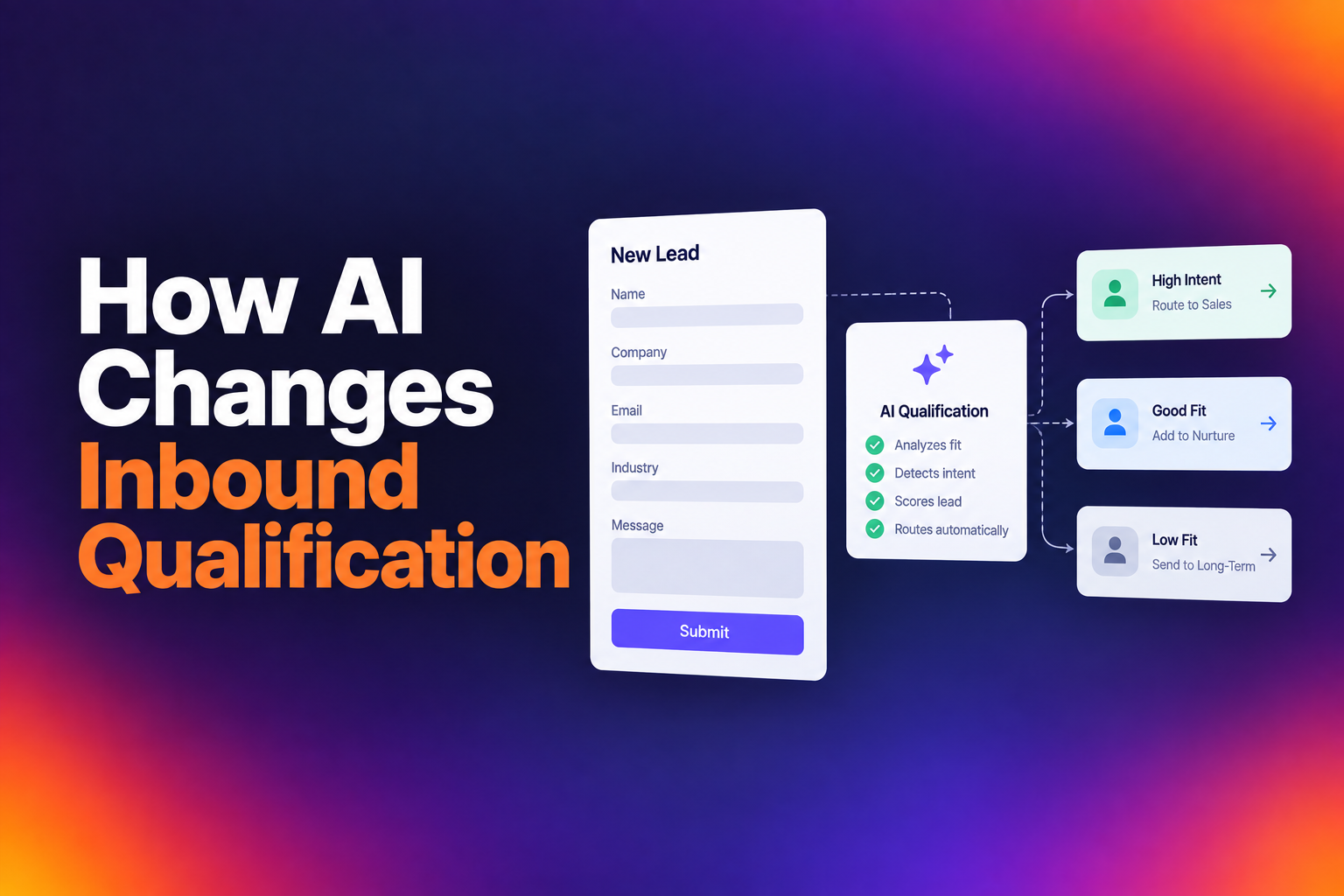
Qualification shouldn't happen after the form fill. It should happen during it. The best-performing teams use a combination of form field responses and real-time data enrichment to determine, in the moment of submission, whether a lead meets their criteria. This means pulling in firmographic data like company size, industry, and tech stack without requiring the prospect to self-report every detail.
RevenueHero's routing engine, for example, uses form responses, enrichment data, and CRM ownership together to get every lead to the right rep instantly, with no manual assignment step. That kind of real-time qualification is what separates a 62% booking rate from a 78% one.
Defining Disqualification (DQ) Criteria to Protect Rep Time
Being selective pays off. Companies with higher disqualification rates tend to have higher qualified-to-booked rates, because the leads who do get through are genuinely good fits. If your DQ rate is under 20% and your meeting rate is struggling, you're probably letting too many poor-fit leads through to sales.
Your DQ criteria should reflect your sales motion. Enterprise teams selling six-figure deals should filter aggressively on company size, industry, and use case. High-velocity SMB teams running 15-minute demos can afford to be more inclusive. Review your criteria quarterly and ask one question: is this filtering out bad fits, or just adding friction?
Balancing Form Friction with Routing Accuracy
There's a persistent myth that fewer form fields always means higher conversion. The data tells a different story. Top performers convert at 77% with 2 fields and at 76% with 13 fields. The number of fields doesn't matter nearly as much as whether each field serves a purpose.
Every field should either help route the lead to the right rep or help the rep personalize the conversation. Company size and region enable routing. Current tools and use case help the rep tailor the demo. A "how did you hear about us" field that nobody acts on is pure friction. Cut it.
From 'Request a Demo' to 'Book Now': Automating the Scheduling Event
The language on your CTA button matters more than most teams realize. "Request a Demo" creates uncertainty. It implies a process, a delay, a maybe. "Book Your Demo" creates commitment. The visitor mentally crosses the threshold from considering to doing while they're still on your page.
This is a five-minute fix with measurable impact. Search your site for every instance of "Request" and "Submit." Replace them with commitment-driven language. Then watch what happens to your numbers.
Replacing Passive Language with Commitment-Driven CTAs
The shift from passive to active language reflects a broader principle: your inbound flow should feel like a transaction, not an inquiry. "Schedule a Call," "Reserve Your Spot," and "Pick a Time" all outperform their passive counterparts because they set an expectation of immediacy. The prospect expects to see a calendar. And when they do, they book.
Integrating Instant Scheduling with HubSpot Workflows
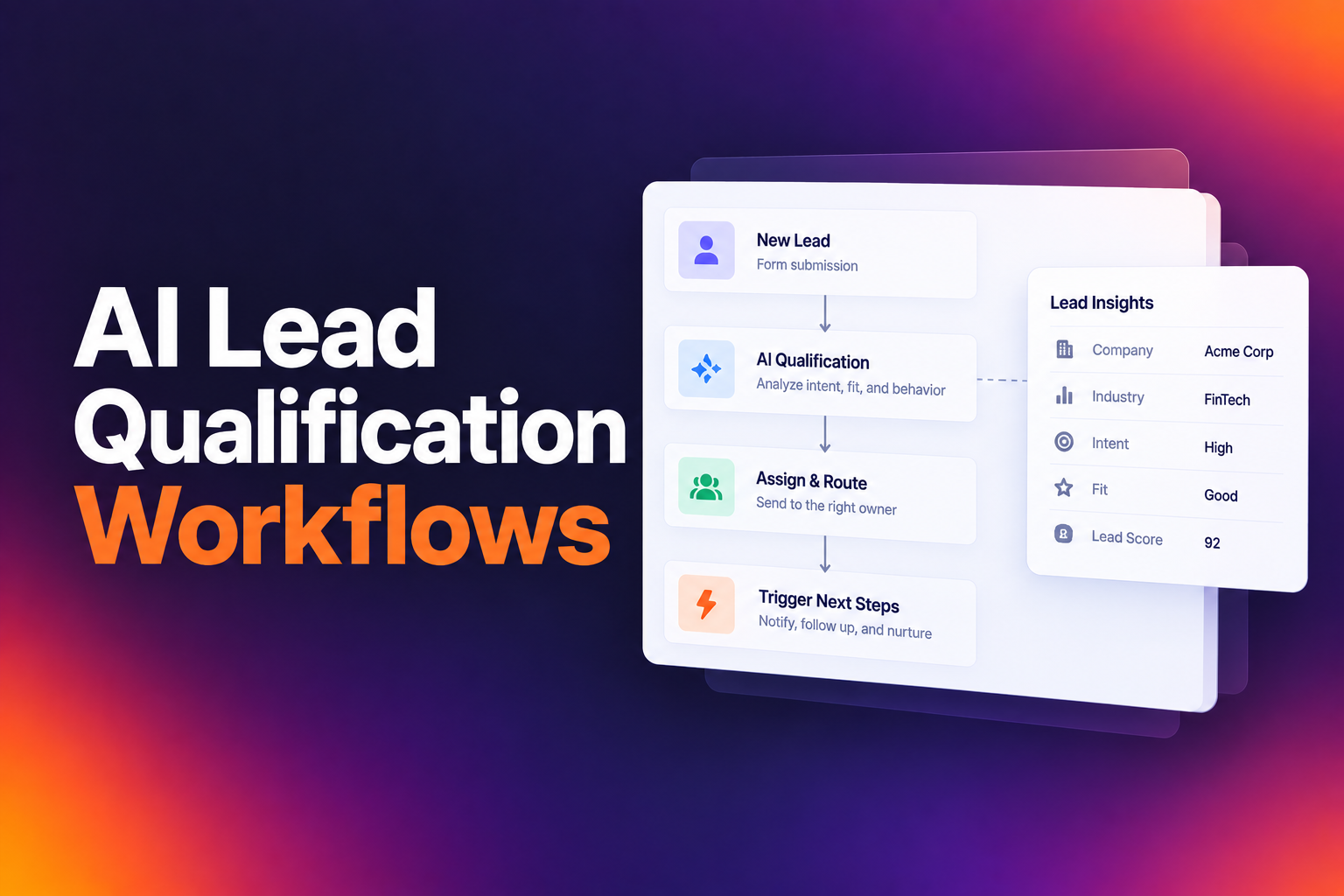
HubSpot workflows can trigger meeting links based on qualification outcomes, but the key is making the calendar appear immediately after form submission, not in a follow-up email sent hours later. The workflow should branch based on qualification criteria: qualified leads see a calendar instantly, while disqualified leads receive a polite redirect or nurture sequence.
The technical setup involves connecting your scheduling tool to HubSpot's workflow engine so that the meeting type, rep assignment, and availability all resolve in real time. Every meeting booked should sync back to your CRM automatically, updating contact records, deal stages, and activity timelines without any manual logging.
Advanced Routing Strategies: Vertical Positioning and High-Value Segments
Once your basic routing works, the next step is segmentation by vertical or high-value account criteria. The data here is compelling: Construction Tech converts at 69.1%, Ecommerce at 68.8%, and Travel Tech at 68.3%, while generic Sales Tech sits at 62.8%. Vertical positioning consistently wins.
Build dedicated landing pages for your best-performing industries. Use industry-specific headlines, customer logos, and testimonials. If relevant, add industry-specific form fields like "How many locations?" for multi-site businesses or "Current ATS?" for HR buyers. Run traffic to a vertical page for 30 days and compare it against your generic page. The routing logic downstream should also reflect this segmentation, sending vertical leads to reps who specialize in that industry.
For enterprise accounts, consider nested routing rules that check for account match, existing opportunity status, and territory alignment before assigning a rep. SMB teams can keep things simpler with pre-built templates and straightforward round-robin logic. The complexity of your routing should match the complexity of your sales motion.
Measuring Success: Benchmarking Your Qualified-to-Booked Rate
The single most important metric for evaluating your routing setup is your qualified-to-booked rate. Not form fills. Not MQLs. The percentage of leads who meet your criteria and actually end up on a rep's calendar.
Here's where you stand relative to the market, based on 12 months of aggregate B2B SaaS data: the best performers hit 88%. The top 10% book at 78% or above. The top 25% sit at 72%. The median is 62%. And the bottom quartile is at 53%. If you're converting at 40% and assuming that's normal, it isn't. You're leaving significant pipeline on the table.
Track this metric weekly, not monthly. Break it down by source, by form, by rep. Look for patterns: are certain reps consistently booking at lower rates? Is a specific form underperforming? Are leads from one region converting at half the rate of another? These signals tell you exactly where your routing rules need adjustment.
The companies winning this game aren't doing anything complicated. They use "Book" instead of "Request." They cut form fields that don't help routing. They're pickier about who gets through to sales. And when someone qualifies, they put a calendar in front of them immediately. Not tomorrow. Not after an SDR reviews the lead. Right then. You already have the traffic. The only question is how many of those hand-raisers actually end up talking to your team.
Let RevenueHero help your team turn high-intent users into booked meeting without slowing down your funnel.