Most B2B teams treat lead routing as a back-office configuration task: something you set up once in your CRM and forget about. But routing is where pipeline lives or dies. The gap between a 40% qualified-to-booked rate and a 78% rate isn't about better leads or bigger budgets. It's about what happens in the seconds after someone fills out your form. Do they see a calendar, or do they see a "thanks, we'll be in touch" message? Data from over one million B2B SaaS form submissions shows that top-performing companies book nearly 8 out of 10 qualified leads into meetings. The median sits at 62%. If you're below that, your routing rules are likely part of the problem. This piece breaks down practical lead routing rules and examples that B2B companies can apply right now, organized by firmographics, CRM data, qualification logic, and post-route conversion design. The goal isn't theory. It's giving you a set of patterns you can audit against your own setup this week.
The Decay of Inbound Intent: Why Manual Lead Routing Fails
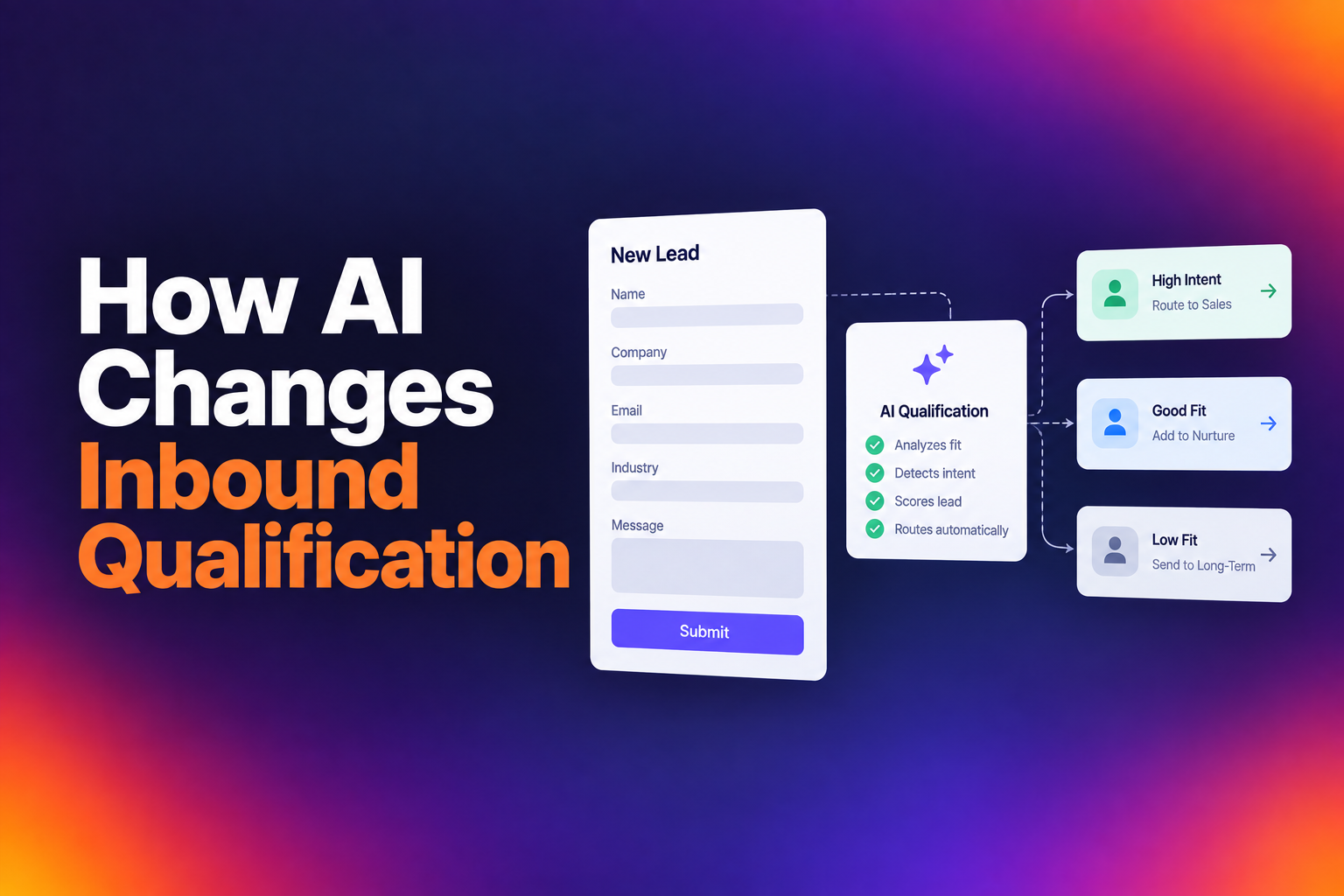
A lead fills out a form. The submission lands in a queue. Someone manually reviews it, maybe routes it, maybe emails the lead back. Days pass. Intent decays. The meeting that should have happened never does. This is the default workflow at most B2B companies, and it's broken by design.
The problem isn't laziness. It's architecture. Most CRMs weren't built for speed-to-lead. They were built for record-keeping. When you layer manual review processes on top of a system designed for data storage, you get a pipeline that leaks at the exact moment a prospect is most ready to buy.
The 30-Second Window and the Cost of Delayed Response
The old "five-minute rule" for lead response is outdated. Buyers in 2026 are evaluating three to five vendors simultaneously. If you respond in five minutes, two competitors may have already booked their calls. The real window is closer to 30 seconds. Conversion probability drops from roughly 80% in the first minute to around 40% by the next day. Every manual step you add between form fill and calendar access eats into that window.
How Friction-Heavy Forms Kill Qualified-to-Booked Rates
Long forms aren't the enemy. Pointless fields are. Benchmark data shows top performers converting at 77% with two fields and 76% with thirteen fields. The number of fields doesn't matter nearly as much as whether each field does something useful. If a field doesn't change who gets the lead or how the rep opens the call, it's costing you conversions without delivering value. The question to ask about your form isn't "how many fields?" but "what does each field enable?"
Essential Lead Routing Rules Based on Firmographics
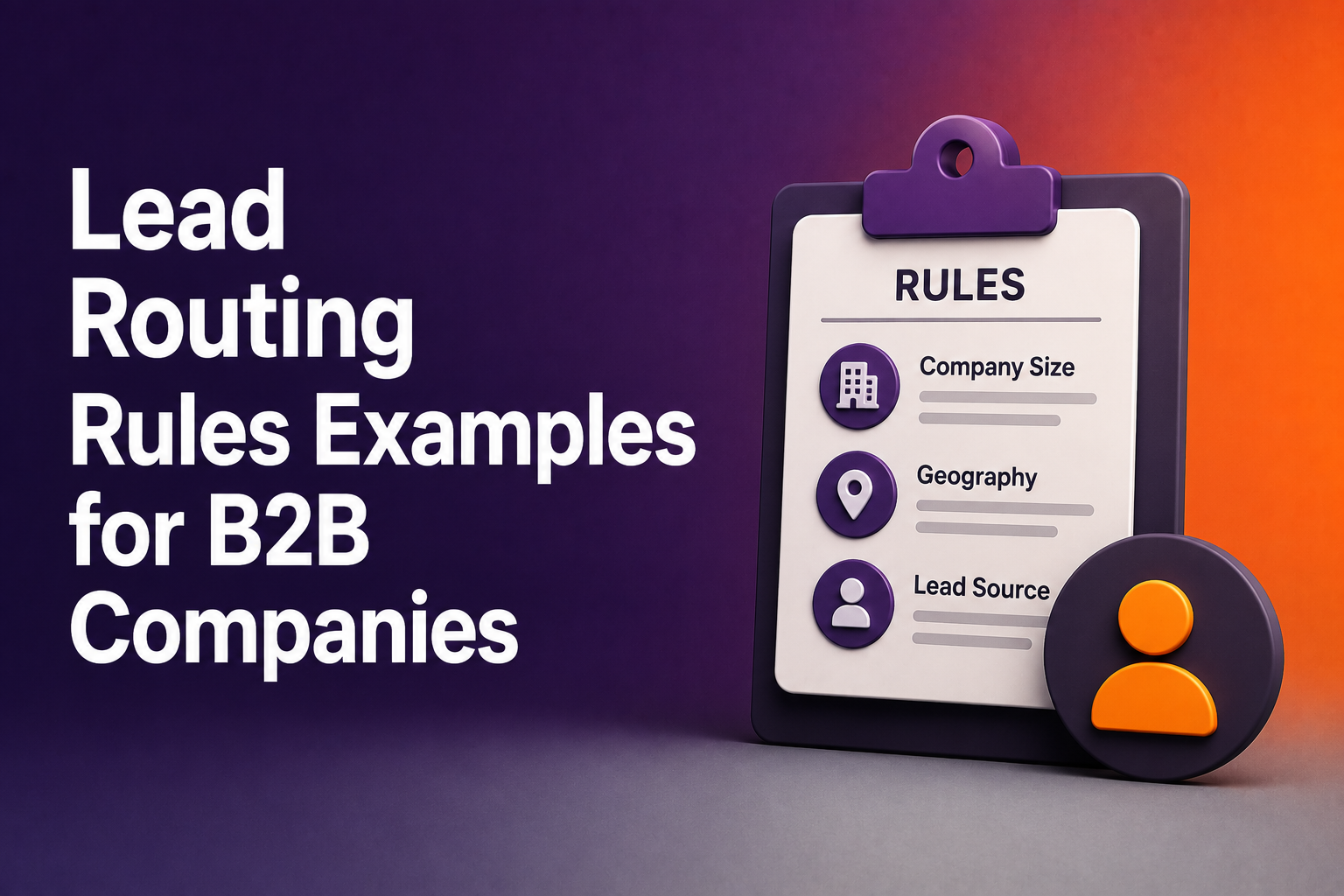
Firmographic routing is the foundation. Before you get into behavioral signals or CRM matching, you need rules that sort leads by company attributes: size, industry, and geography. These three dimensions determine which rep, team, or motion a lead should enter.
Company Size and Segment-Specific Routing (SMB vs. Enterprise)
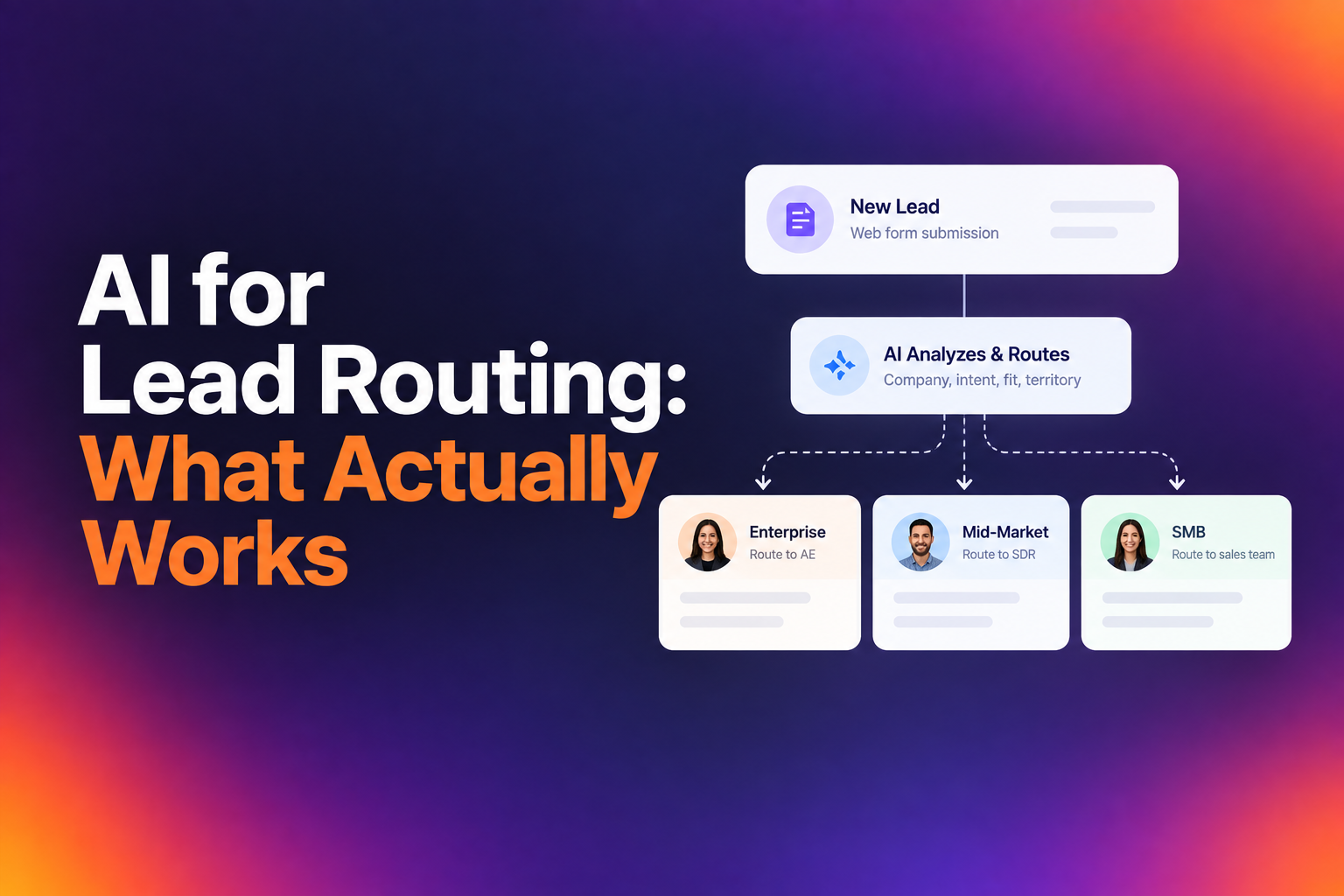
Your SMB motion and your enterprise motion are fundamentally different sales processes. Routing should reflect that. A 15-person startup requesting a demo needs a fast, low-touch path: round-robin to an available AE, calendar shown immediately. A Fortune 500 account needs a different treatment: matched to a named account owner, possibly with an overlay from a solutions engineer.
Benchmark data supports this split. Enterprise leads convert at 70.1% qualified-to-booked, while SMB sits at 63.2%. Enterprise teams also run a 71.2% disqualification rate, meaning they're far more selective about who gets through to sales. SMB teams can afford to be more inclusive because demos are fast and cheap. Enterprise teams can't, because a single bad meeting costs hours of expensive rep time.
Vertical and Industry-Specific Routing Rules
Vertical SaaS consistently outperforms horizontal SaaS in conversion rates. Construction Tech converts at 69.1%. Ecommerce at 68.8%. Travel Tech at 68.3%. Generic Sales Tech sits at 62.8%. The pattern is clear: industry-specific positioning wins.
If you have reps who specialize in specific verticals, route by industry. A prospect from a construction company should land with the rep who knows that buyer's language, pain points, and competitive landscape. This isn't just about conversion rates. It's about rep confidence and deal velocity.
Geographic and Regional Territory Assignment
Territory-based routing is the most common rule in B2B, and the most frequently misconfigured. The basics are straightforward: route EMEA leads to EMEA reps, APAC to APAC, and so on. But edge cases create chaos. What happens when a lead's IP address says London but their company HQ is in New York? What about a rep on PTO whose territory has no backup?
Your routing logic needs to account for fallback rules. If the assigned rep is unavailable, the lead should automatically move to a backup within the same territory, not sit in a queue until Monday.
Advanced Routing Rules Using CRM Data and Enrichment
Firmographic rules get you 70% of the way there. The next layer uses your CRM as a source of truth to make smarter decisions about ownership and fit.
Existing Account Ownership and Contact Matching
This is where most routing setups fall apart. A lead comes in from a company that already has an active opportunity with one of your AEs. Without account matching, that lead gets round-robined to a different rep. Now you have two reps working the same account, the prospect is confused, and your CRM data is a mess.
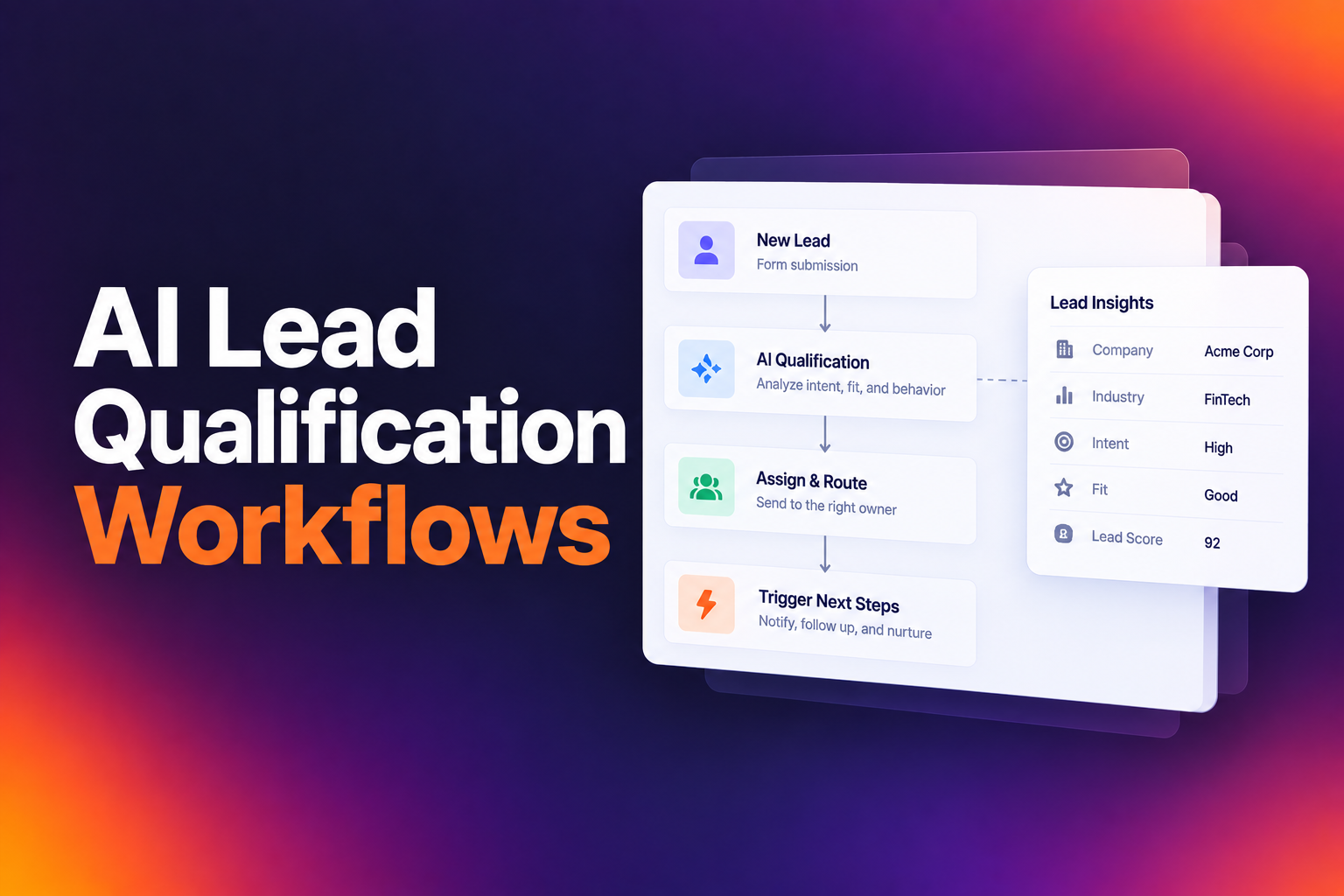
Good routing checks your CRM in real time before assigning a lead. If the account already exists and has an owner, the lead goes to that owner. If the contact already exists under a different account, the system flags it. Tools like RevenueHero handle this by running CRM lookups and enrichment at the moment of form submission, keeping existing ownership intact without manual intervention.
Routing Based on Technology Stack and Use Case Fit
If your product integrates with Salesforce and HubSpot differently, or if you have separate product lines for different use cases, your routing should reflect that. A form field asking "What CRM do you use?" or "What's your primary use case?" can drive routing to specialized reps who know that integration or workflow inside out.
This isn't about adding fields for the sake of data collection. It's about collecting information that directly changes the routing decision or the quality of the first conversation.
Qualification-Driven Routing: Filtering for High-Value Conversations
Not every lead that fills out a form should get a meeting. The companies with the highest conversion rates are often the pickiest about who gets through to sales.
Setting Intentional Disqualification (DQ) Criteria
A healthy DQ rate isn't a sign of wasted demand. It's a sign of intentional filtering. Companies selling enterprise deals, where a single bad meeting costs hours of expensive rep time, benefit from a higher DQ rate. If your DQ rate is under 20% and your meeting quality is poor, you're probably letting through leads that waste rep time.
Review your DQ criteria quarterly. Ask whether each criterion is actually filtering out poor fits or just adding friction. Common DQ signals include company size below your minimum threshold, industries you don't serve, and leads from personal email domains when you sell to businesses.
Balancing Form Friction with Routing Accuracy
There's a tension between collecting enough data to route accurately and keeping forms short enough to convert. The resolution isn't fewer fields. It's smarter fields. Every field on your form should serve one of two purposes: it either changes who gets the lead, or it helps the rep tailor the first conversation.
Fields like company size and region directly drive routing. Fields like "current solution" help the rep prepare. Fields like "how did you hear about us?" rarely do either, unless your marketing team actually acts on that data. If nobody reads it, cut it.
Optimizing Post-Route Conversion with Instant Scheduling
Routing a lead to the right rep is only half the job. The other half is making sure that lead actually books a meeting before their intent fades.
Replacing 'Request a Demo' with Commitment Language
The words on your buttons matter more than most teams realize. "Request a Demo" creates uncertainty. The visitor doesn't know what happens next. "Book Your Demo" or "Pick a Time" creates commitment. The visitor mentally crosses from considering to doing while they're still on your page.
This is a five-minute fix. Search your site for every instance of "Request" and "Submit." Replace them with commitment language: "Book Your Demo," "Schedule a Call," "Reserve Your Spot." Track the change. The data consistently shows this simple swap moves conversion numbers.
Moving from Manual Review Queues to Instant Calendar Access
The single biggest difference between companies booking 40% and those booking 78% is what happens after qualification. Top performers put a calendar in front of the prospect immediately. Not after an SDR reviews the lead. Not after a routing manager assigns it. Right then, on the same page, within seconds of form submission.
Manual review queues are where intent goes to die. Every hour of delay drops your probability of booking the meeting. If your current flow involves a "thanks, we'll be in touch" confirmation page, you're losing qualified leads to competitors who show a calendar instead.
Measuring Success: Benchmarking Your Lead Routing Performance
Your routing rules are only as good as the outcomes they produce. The primary metric to track is your qualified-to-booked rate: of the leads that pass your qualification criteria, what percentage actually book and attend a meeting?
Here's where you stand relative to the market, based on aggregate data from B2B SaaS companies across 2025: the median qualified-to-booked rate is 62%. The top 10% hit 78% or higher. The best performer in the dataset reached 88%. If you're converting below 58%, you're in the bottom quartile.
Track this metric by segment, by territory, and by rep. Look for patterns. If your enterprise segment converts at 70% but your SMB segment sits at 50%, the problem isn't your leads. It's your SMB routing or qualification logic. Measure median response time, not average, because averages let outliers hide systemic delays.
The companies that win at B2B lead routing aren't doing anything complicated. They use commitment language instead of vague CTAs. They cut form fields that don't help routing or personalization. They're selective about who gets through to sales. And when someone qualifies, they show a calendar immediately. None of this requires a bigger budget or better leads. You already have the traffic. You already have people raising their hands. The only question is how many of them actually end up talking to your team. If you're sitting at 40% today and you get to 62%, that's 22 more meetings for every 100 qualified leads. Get to 78%, and you've nearly doubled your pipeline from the same spend. Start by auditing your current routing rules against the examples above, fix the gaps, and measure the change within 30 days.
Let RevenueHero help your team turn high-intent users into booked meeting without slowing down your funnel.