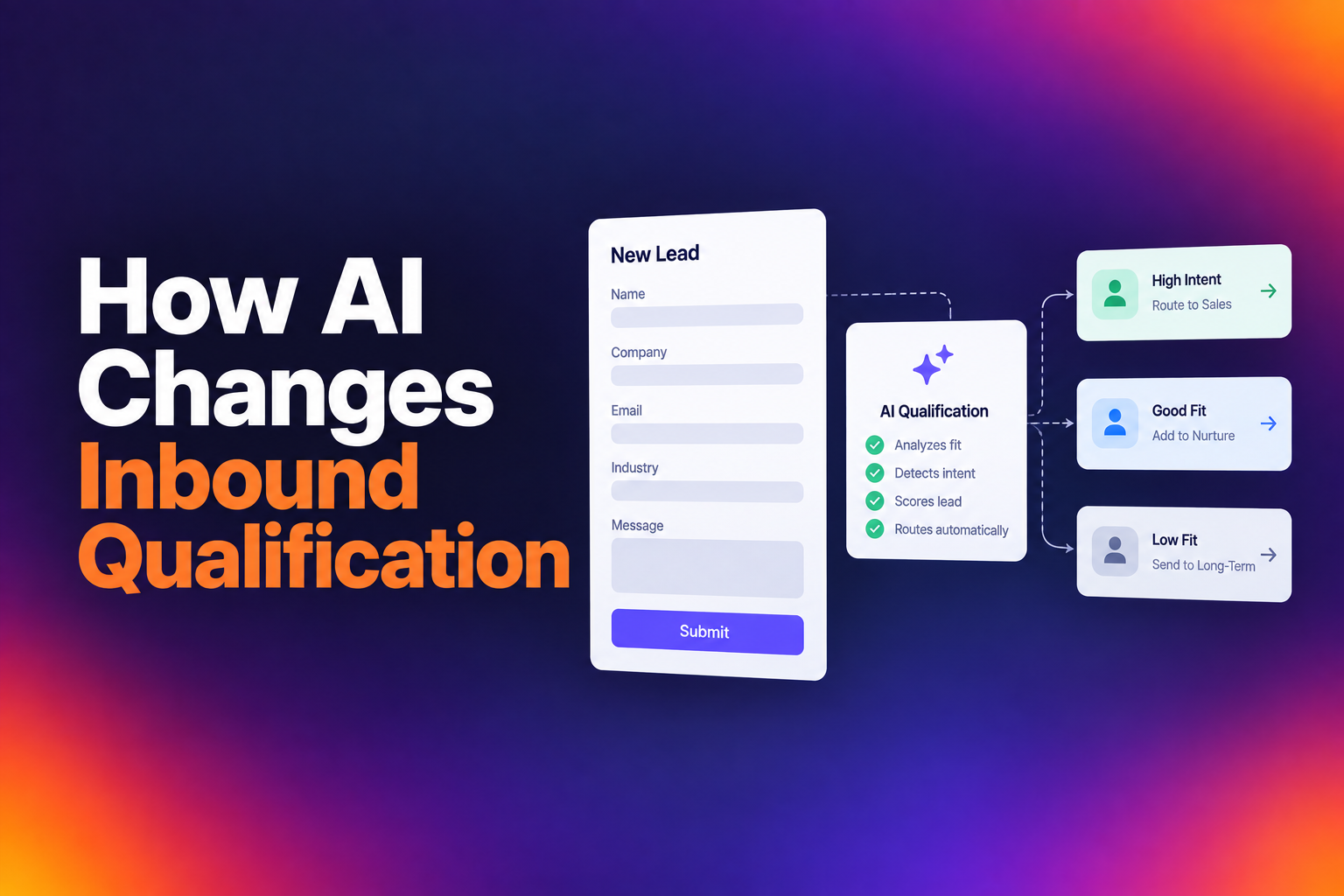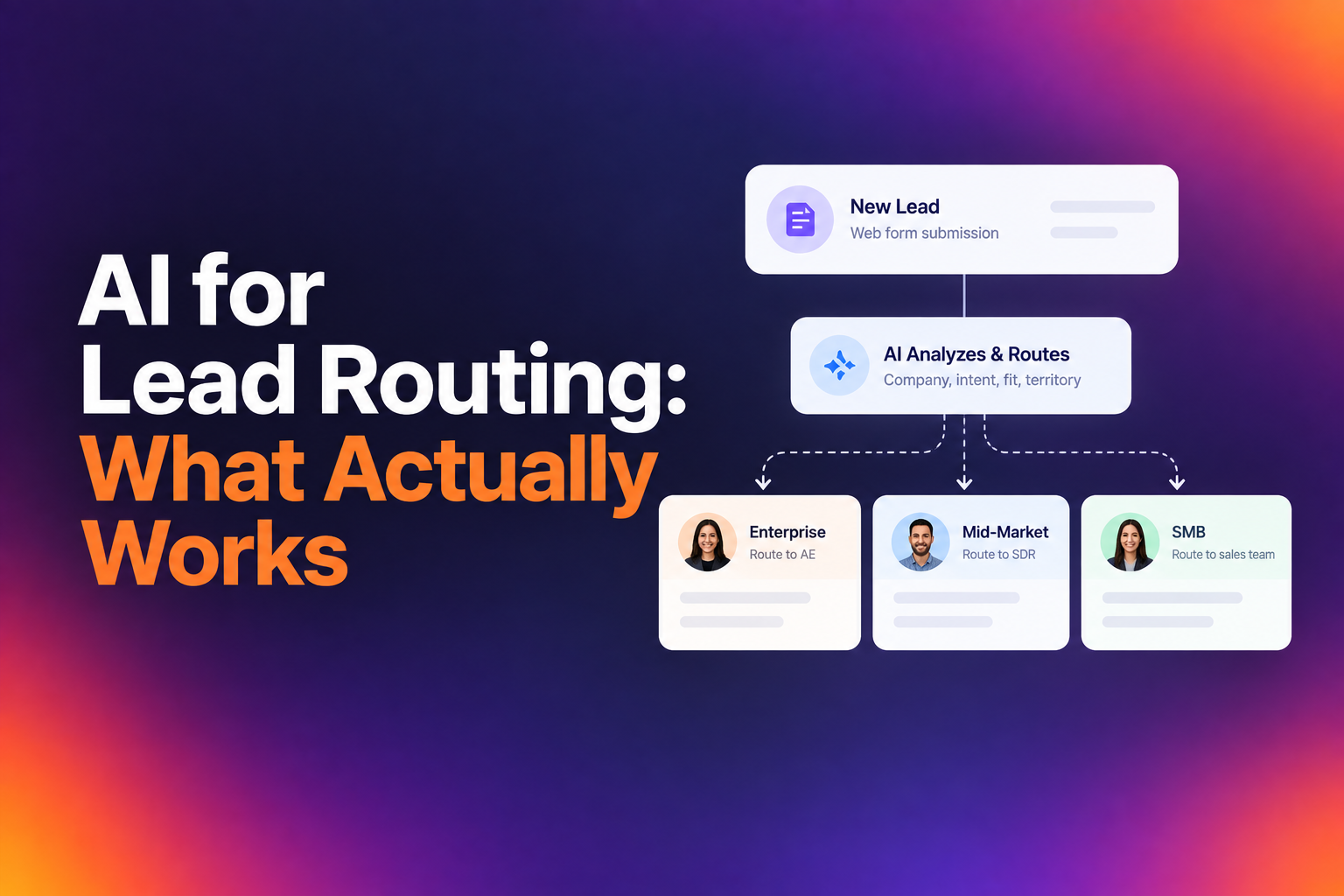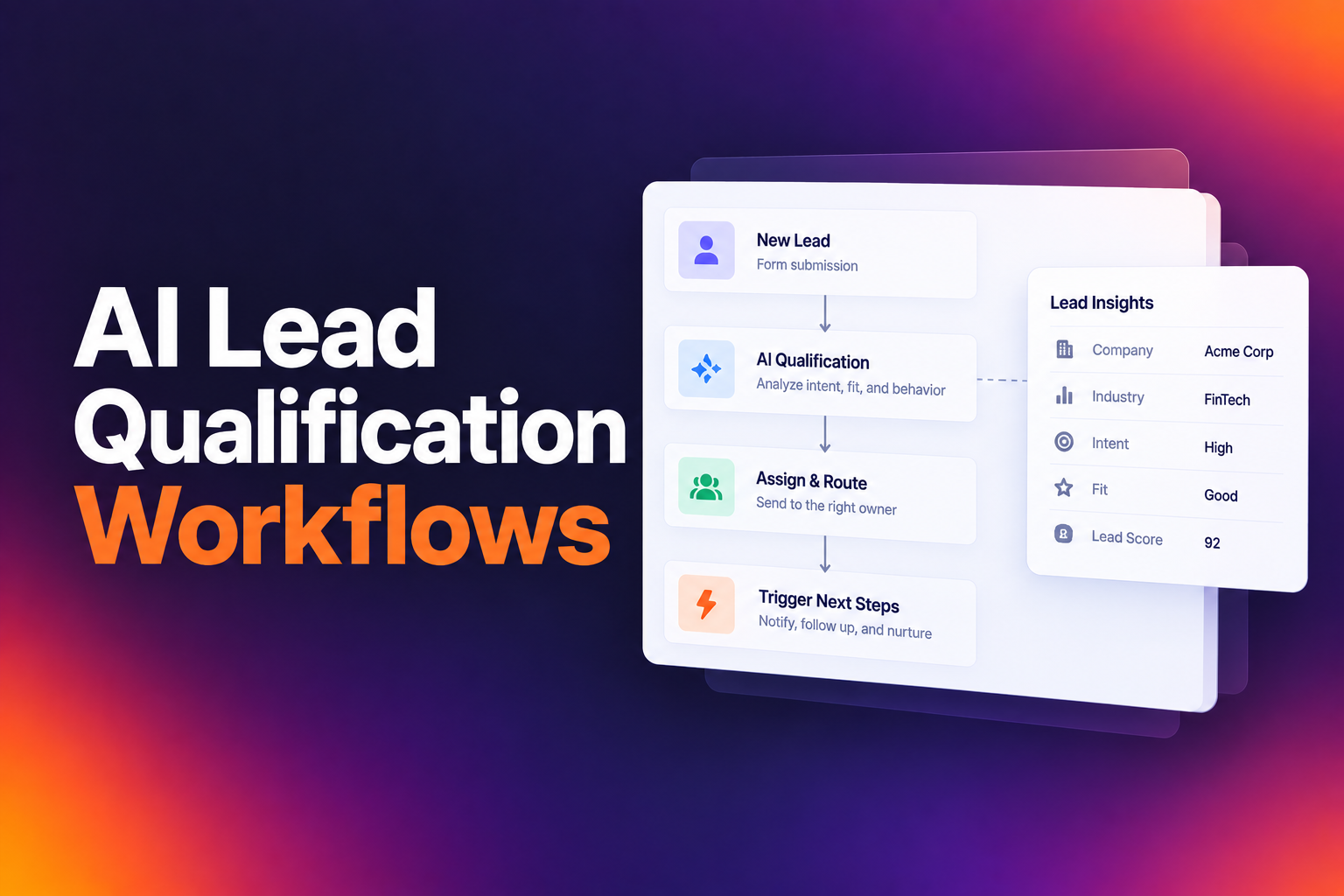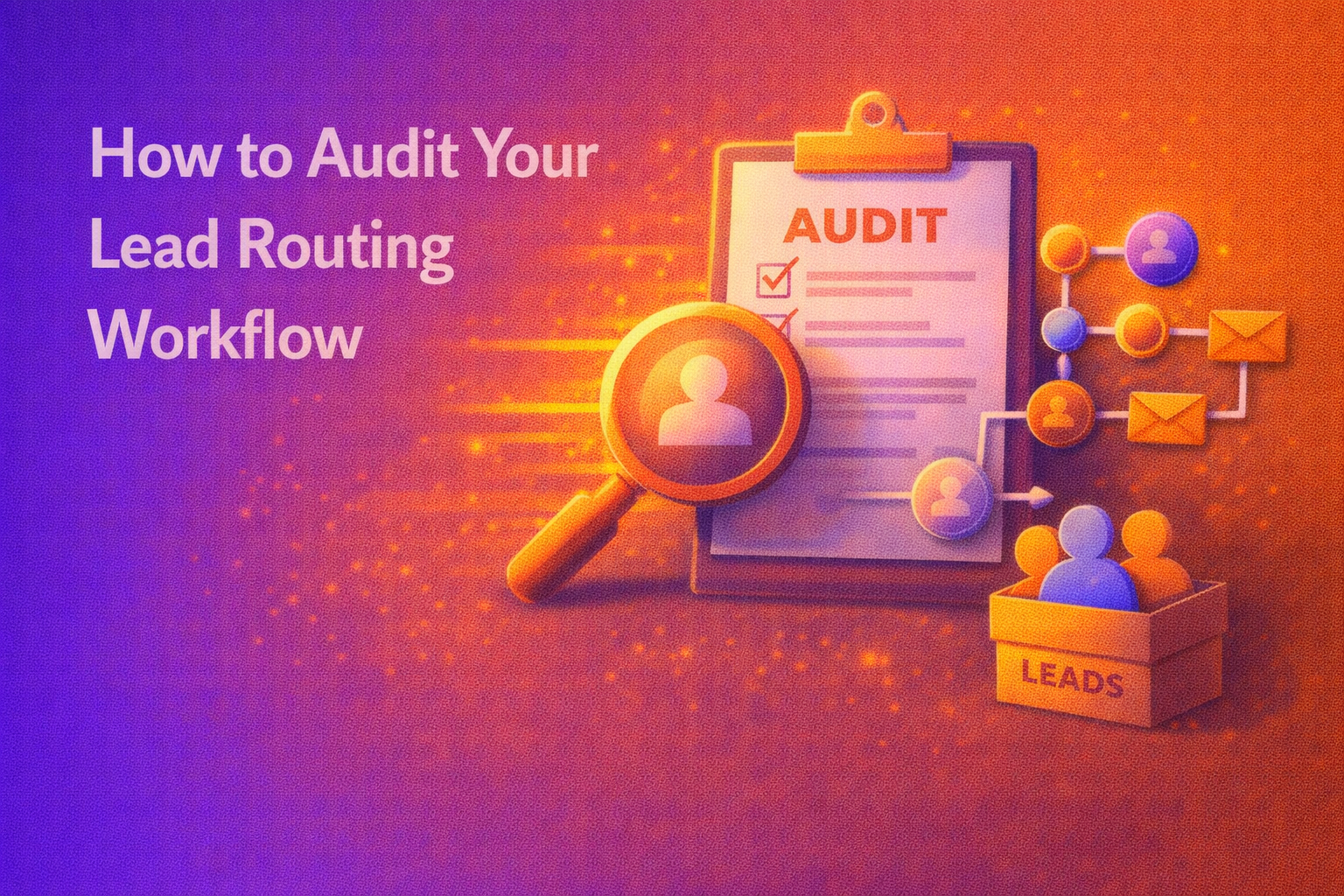
A lead fills out your form at 2:47 PM. By 3:15 PM, they've already booked a call with a competitor. Your routing workflow assigned them to a rep who's on PTO, and nobody noticed until the next morning. This scenario plays out constantly in B2B sales, and it's why understanding how to audit your lead routing workflow matters more than most teams realize.
The gap between companies converting 40% of qualified leads versus 78% isn't about traffic quality or marketing spend. It's about what happens in the 30 seconds after someone clicks "Book a Demo." Data from over one million inbound form submissions shows that top performers book nearly 8 out of 10 qualified leads into meetings. The median sits at 62%. If you're below that, your routing logic is likely the culprit.
Auditing your lead routing workflow isn't a one-time project. It's an operational discipline that separates efficient revenue teams from those constantly wondering where their leads went. The process requires examining your objectives, mapping current logic, testing edge cases, and building systems that surface problems before they cost you pipeline.
Defining Objectives and Key Performance Indicators for the Audit
Before touching any routing rules, you need clarity on what success looks like. Most teams jump straight into the technical audit without establishing baselines, which makes it impossible to measure improvement. Your audit objectives should connect directly to revenue outcomes, not just operational metrics.
Start by identifying your current qualified-to-booked rate. If you're at 58%, you're in the bottom quartile of performers. At 76% or higher, you're outperforming most peers. This single number tells you how much pipeline you're leaving on the table. A team converting at 40% that reaches 62% gains 22 additional meetings for every 100 qualified leads, with no increase in spend.
Measuring Lead Response Time and Speed to Lead
Speed to lead remains the most reliable predictor of conversion success. Your audit should establish exactly how long it takes from form submission to first rep contact. Pull timestamps from your CRM and calculate the median, not the average. Outliers will skew averages dramatically, hiding systemic delays.
Track response time by routing segment. Leads assigned through round robin might get contacted in minutes, while territory-based assignments could sit for hours waiting for a specific rep. Document these variations because they reveal where your workflow creates friction.
Evaluating Conversion Rates by Routing Segment
Segment your conversion data by every routing path in your system. Compare enterprise versus SMB leads, different geographic territories, and product interest categories. You'll often find significant performance gaps that point to specific workflow failures.
A 15-point difference in conversion rates between two territories usually indicates a process problem, not a market difference. One territory might have faster response times, better rep availability, or cleaner data handoffs. Your audit should surface these disparities so you can address root causes.
Mapping Your Current Lead Distribution Logic
Most teams can't accurately describe their own routing logic. Rules accumulate over time, exceptions get added, and documentation falls out of date. Your audit needs a complete, current map of how leads actually flow through your system.
Identifying Round Robin vs. Territory-Based Rules
Document every routing rule currently active in your system. Start with the primary distribution method: are you using round robin, territory assignment, account ownership matching, or some combination? Then map the exceptions and overrides layered on top.
Round robin works well for high-velocity SMB motions where any rep can handle any lead. Territory-based routing makes sense when geographic or industry knowledge matters. Account-based routing preserves existing relationships. Your audit should verify that your chosen method actually matches your sales motion, not just historical decisions nobody questioned.
Documenting Lead Scoring and Qualification Thresholds
Pull your current qualification criteria and scoring thresholds. What data points determine whether a lead qualifies? Company size, industry, job title, and use case fit all factor into most scoring models. Your audit should examine whether these criteria actually filter out poor fits or just add friction.
If your disqualification rate is under 20% and your meeting rate struggles, you might be letting through leads that waste rep time. Companies with higher disqualification rates often see better conversion rates because reps aren't wasting time on poor fits. Review your thresholds quarterly and adjust based on actual outcomes.
Analyzing Data Integrity and Integration Points
Routing logic can only work with accurate data. Your audit must examine every integration point where data enters, transforms, or syncs between systems. This is where most lead leakage occurs.
Checking CRM Field Mapping and Sync Errors
Pull a sample of recent leads and trace their data through every system in your stack. Check that form fields map correctly to CRM fields, enrichment data populates as expected, and routing decisions use current information. Sync errors often create silent failures where leads route incorrectly or not at all.
Pay attention to field formatting issues. A company size field expecting integers might break when someone enters "50-100 employees." These edge cases compound over time and create routing failures that nobody notices until a sales rep complains about lead quality.
Identifying Lead Leakage in the Hand-off Process
Lead leakage happens at transition points. Map every hand-off in your process: from form to enrichment, from qualification to routing, from routing to rep assignment, from assignment to meeting booking. Each transition creates an opportunity for leads to fall through cracks.
Check for leads that entered your system but never received a routing decision. Look for leads assigned to reps who were unavailable, on PTO, or at capacity. Identify leads that qualified but never saw a calendar. These leakage points often account for significant pipeline loss that teams attribute to "bad leads" rather than process failure.
Testing Routing Scenarios and Edge Cases
Documentation and data analysis only reveal part of the picture. Active testing exposes how your routing workflow behaves under real conditions, including scenarios you didn't anticipate.
Simulating High-Volume Traffic and Form Submissions
Run test submissions through your forms during different times and conditions. Submit leads that should route to different segments and verify they arrive correctly. Test what happens when the designated rep is unavailable. Simulate the volume spikes that occur during campaign launches or events.
High-volume scenarios often expose capacity limits in your routing logic. A round robin that works perfectly with 20 leads per day might create bottlenecks at 200. Your audit should identify these thresholds before they cause real pipeline damage.
Auditing Manual Reassignments and Overrides
Pull data on every manual reassignment that occurred in the past quarter. Each reassignment represents a routing decision your automation got wrong. Categorize these by reason: rep unavailability, incorrect territory assignment, account ownership conflicts, or data quality issues.
High reassignment rates signal systematic problems. If managers constantly move leads between reps, your routing logic doesn't reflect how your team actually operates. Use this data to update rules rather than accepting manual intervention as normal.
Optimizing the Workflow Based on Audit Findings
Your audit generates findings. Now you need to translate those findings into workflow improvements that measurably increase conversion rates.
Refining Logic to Reduce Lead Decay
Lead decay starts the moment someone submits a form. Every hour of delay reduces conversion probability. Your optimization should prioritize eliminating delays at every stage. The companies in the top 10% of conversion rates made a choice: they stopped treating inbound scheduling as an afterthought and started treating it as a conversion event.
Consider tools like RevenueHero that qualify leads in real-time using form responses, enrichment data, and CRM history. The moment someone submits, they know if they qualify and see a calendar immediately. No manual review queue, no delays, no decay.
Implementing Automated Feedback Loops for Sales Reps
Routing optimization requires ongoing input from the people handling leads. Build automated feedback mechanisms that capture rep input on lead quality, routing accuracy, and process friction. This data should flow back into your routing rules, not just disappear into a spreadsheet.
Set up alerts for anomalies: sudden drops in conversion rates, spikes in reassignments, or leads sitting unworked beyond your SLA. These early warning systems let you catch problems before they accumulate into significant pipeline loss.
Establishing a Recurring Audit Schedule for Long-Term Success
A single audit improves your workflow temporarily. A recurring audit schedule maintains performance over time. Your routing logic will drift as your team grows, territories change, and products evolve. Without regular review, you'll find yourself back where you started.
Set quarterly audit checkpoints at minimum. Review your qualified-to-booked rate, response time metrics, and leakage points. Compare against your baseline to confirm improvements held. Investigate any regression immediately.
The companies that consistently convert at 78% or higher don't have magic routing logic. They have operational discipline around measuring, testing, and improving their workflows. They treat lead routing as infrastructure that requires maintenance, not a set-it-and-forget-it configuration.
Your next audit should start with the metrics you established today. If you're currently at 40% and you get to 62%, that's meaningful pipeline growth from the same traffic and spend. The gap isn't about better leads. It's about what happens after someone raises their hand.
Let RevenueHero help your team turn high-intent users into booked meeting without slowing down your funnel.