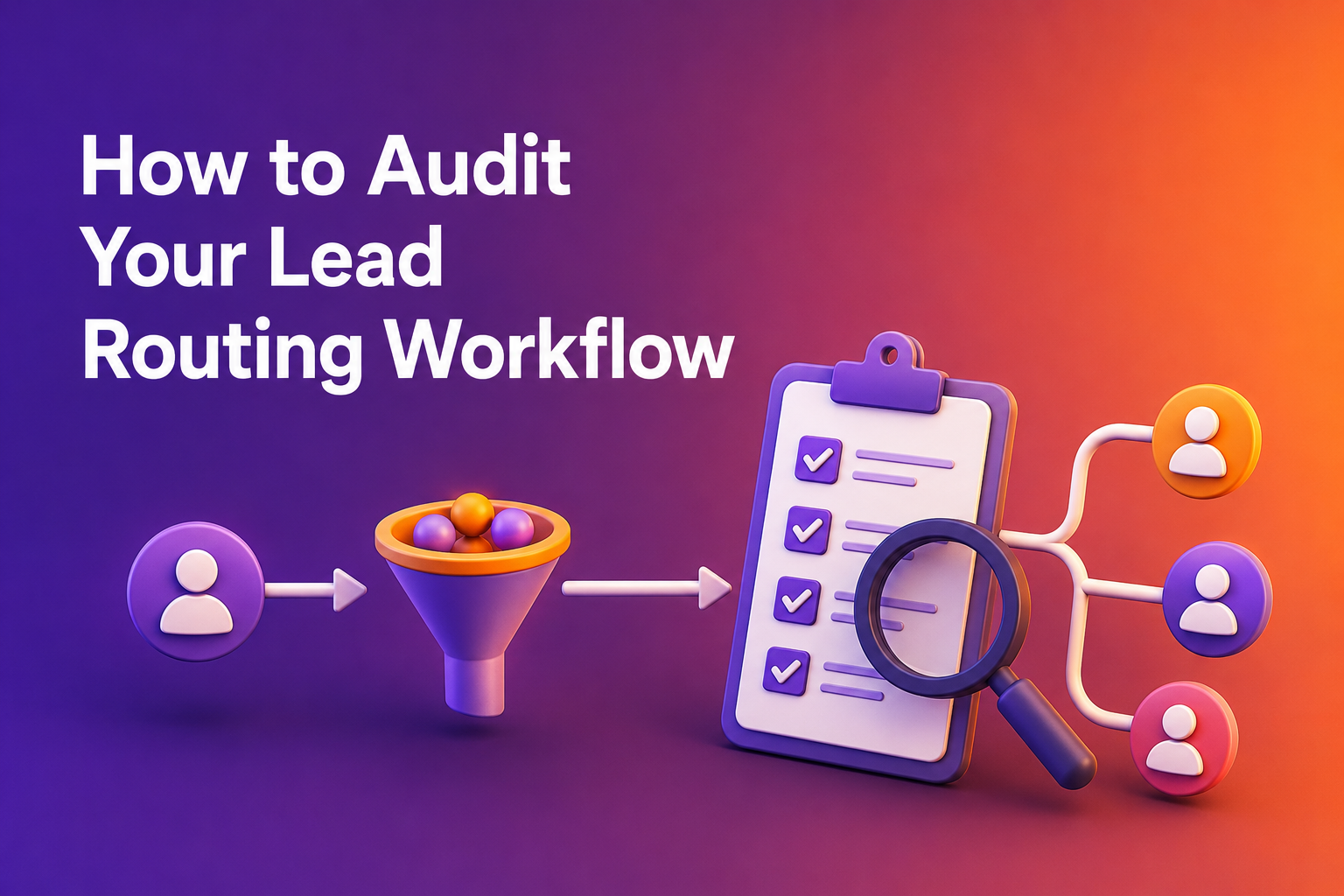
Most RevOps teams treat their inbound funnel as a set-it-and-forget-it system. Forms get built, routing rules get configured, and the whole machine runs on autopilot until someone notices pipeline numbers slipping. By then, the damage is done: qualified leads have leaked out of the funnel, reps have wasted hours on bad fits, and high-intent buyers have gone cold waiting for a response that came too late. Auditing your lead routing workflow isn't a one-time project. It's a recurring discipline that separates teams converting at 40% from those booking 78% or more of their qualified leads into meetings. The difference between those two numbers, on the same traffic and the same spend, comes down to what happens in the 30 seconds after a form fill. That's the window where intent is highest and where most funnels quietly fail. If you haven't examined your routing logic, form design, and scheduling process in the last 90 days, you're almost certainly leaving pipeline on the table. Here's how to run that audit with precision.
Benchmarking Your Current Qualified-to-Booked Rate
Before you change anything, you need a baseline. Your qualified-to-booked rate is the single most diagnostic metric for inbound funnel health. It tells you what percentage of leads who pass your qualification criteria actually end up in a meeting with a rep. Without this number, every other improvement is guesswork.
Understanding the 62% Median vs. Top Performers
Data from over one million B2B SaaS form submissions shows that the median qualified-to-booked rate sits at 62%. The top 10% of companies hit 78% or higher, and the best performers reach 88%. If your team is converting below 58%, you're in the bottom quartile. These aren't theoretical benchmarks: they're drawn from 12 months of aggregate inbound conversion data across B2B SaaS companies, weighted by volume. The gap between 40% and 78% isn't explained by lead quality or ad spend. It's a process gap. Pull your own numbers for the last quarter and compare. If you're sitting at or below the median, your routing workflow has specific, fixable problems.
Identifying Pipeline Leakage in the '30-Second Window'
The moment a prospect clicks "Book a Demo," a clock starts. Every second of delay between that click and a confirmed calendar invite is a chance for intent to decay. An 80% booking probability in the first minute can drop to 40% by the next day. Most leakage happens in manual review queues, where a submitted form sits in a queue waiting for an SDR to review, assign, and respond. By the time that email goes out, the buyer has moved on to evaluating a competitor. Audit this by measuring the median time between form submission and meeting confirmation. Use medians, not averages, because a few fast responses can mask systemic delays. If your median exceeds five minutes, you have a structural problem.
Auditing Form Friction and Commitment Language
Your form is the front door to your pipeline. Every word on it, every field in it, and the button at the bottom all affect whether a qualified visitor actually converts.
Replacing Permission Phrases with Commitment CTAs
Among top-performing companies, 29% use "Book a Demo," 21% use "Get a Demo," and 12% use "Schedule a Demo." Only 12% use "Request a Demo." The pattern is clear: commitment language outperforms permission language. "Request" implies uncertainty. It tells the visitor they might hear back, eventually, if someone reviews their submission. "Book" tells them they're about to take action. This is a five-minute fix. Search your site for every instance of "Request," "Submit," "Contact Sales," and "Get in Touch." Replace them with "Book," "Schedule," "Reserve Your Spot," or "Pick a Time." Check buttons, headers, meta descriptions, and email templates. Track your conversion rate for 30 days after the swap.
Evaluating Field Utility: Balancing Routing Data and Friction
A common assumption is that fewer form fields always means higher conversion. The data tells a different story. Top performers convert at 77% with 2 fields and at 76% with 13 fields. The number of fields doesn't matter nearly as much as whether each field does something useful. Every field should serve one of two purposes: routing the lead to the right rep, or helping the rep tailor the conversation. Company size, region, and use case all pass this test. "How did you hear about us?" rarely does, unless you're actually actioning that data. Audit each field by asking: does this change who the lead goes to, or what the rep says in the first 60 seconds? If the answer to both is no, cut it.
Optimizing Qualification Logic and Disqualification Rates
Your qualification criteria determine who gets through to sales and who doesn't. Too loose, and reps waste time on poor fits. Too tight, and you're filtering out real opportunities.
The 20% DQ Rule: Balancing Rep Time and Lead Volume
If your disqualification rate is under 20% and your meeting rate is struggling, you're likely letting through leads that waste rep time. Companies with higher DQ rates tend to have higher-quality conversations, better show rates, and stronger close rates on the meetings that do happen. This makes sense: reps who aren't bogged down with unqualified calls bring more energy and preparation to the ones that matter. The right DQ threshold depends on your sales motion. Enterprise teams selling six-figure deals, where a single bad meeting costs hours of expensive rep time, should be more selective. High-velocity SMB teams running 20-minute demos can afford to be more inclusive. Review your DQ criteria quarterly. Make sure they're filtering out genuinely poor fits, not just adding friction that discourages good prospects.
Implementing Vertical-Specific Routing Criteria
Generic routing rules treat all leads the same. But conversion rates vary dramatically by vertical. Construction Tech converts at 69.1%. Ecommerce at 68.8%. Travel Tech at 68.3%. Generic Sales Tech sits at 62.8%. Vertical positioning wins because it allows you to match leads with reps who understand their industry, speak their language, and reference relevant case studies. If you're routing a Construction Tech lead to a generalist rep instead of someone who knows the space, you're leaving conversion points on the table. Build routing rules that account for industry or use case, and consider dedicated landing pages for your top-performing verticals with industry-specific headlines, logos, and testimonials.
Eliminating Manual Review Queues with Instant Scheduling
The single biggest structural change you can make to your inbound funnel is removing the gap between qualification and scheduling. Most legacy funnels have this gap baked in, and it's where the majority of pipeline leakage occurs.
Transitioning from 'Request' to Instant Calendar Access
The traditional flow looks like this: a lead fills out a form, the form goes to a queue, someone manually reviews it, maybe they route it, maybe they email the lead back, maybe the lead responds. Days pass. Intent decays. The meeting that should have happened doesn't. The fix is straightforward: when someone qualifies, put a calendar in front of them immediately. Not tomorrow. Not after an SDR reviews the lead. Right then, on the same page, while they're still in buying mode. This is the core principle that separates the top 10% from the median. It's not about having better leads or a bigger budget. It's about compressing the time between "I'm interested" to "I'm booked" into a single interaction.
Leveraging CRM Enrichment for Real-Time Assignment
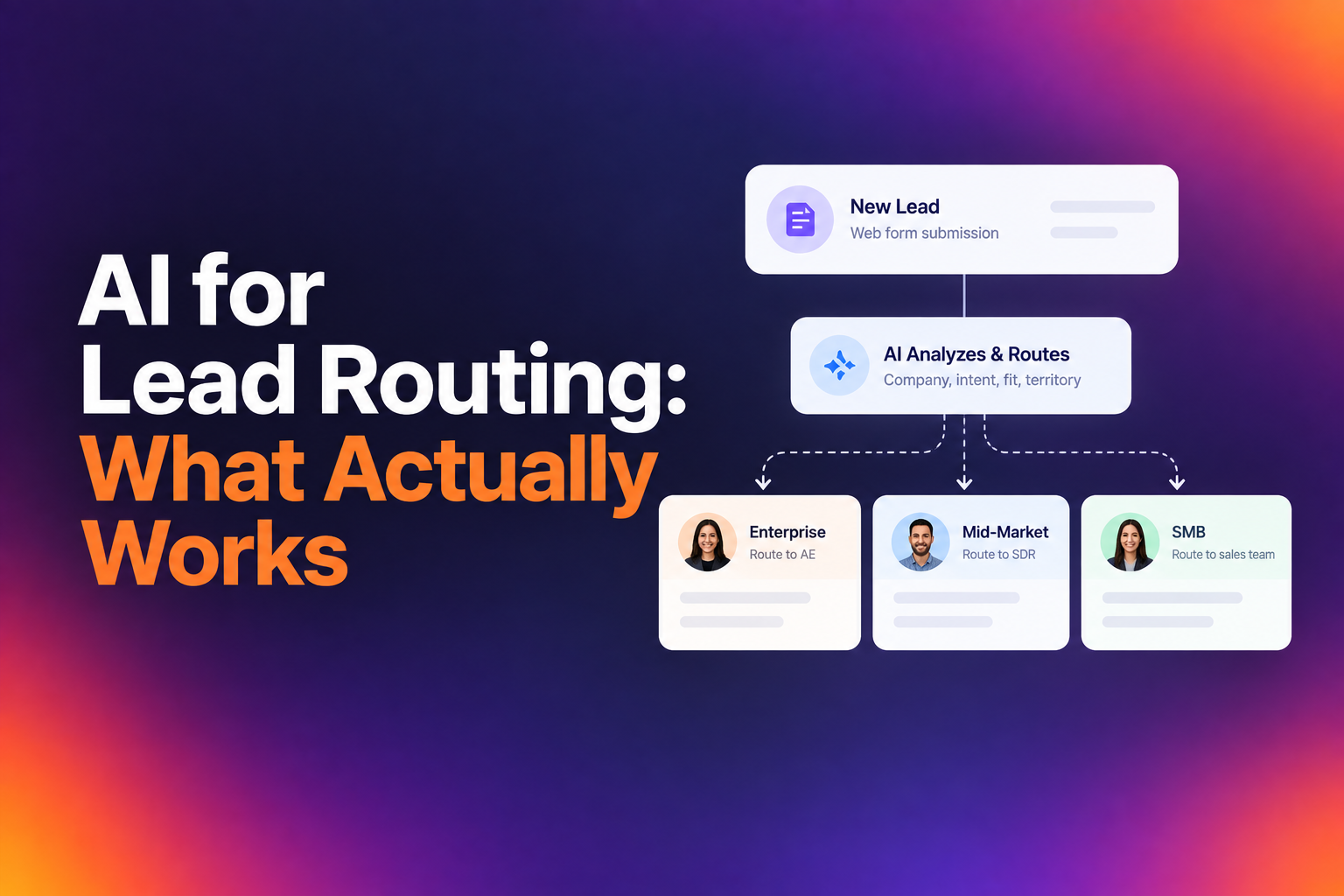
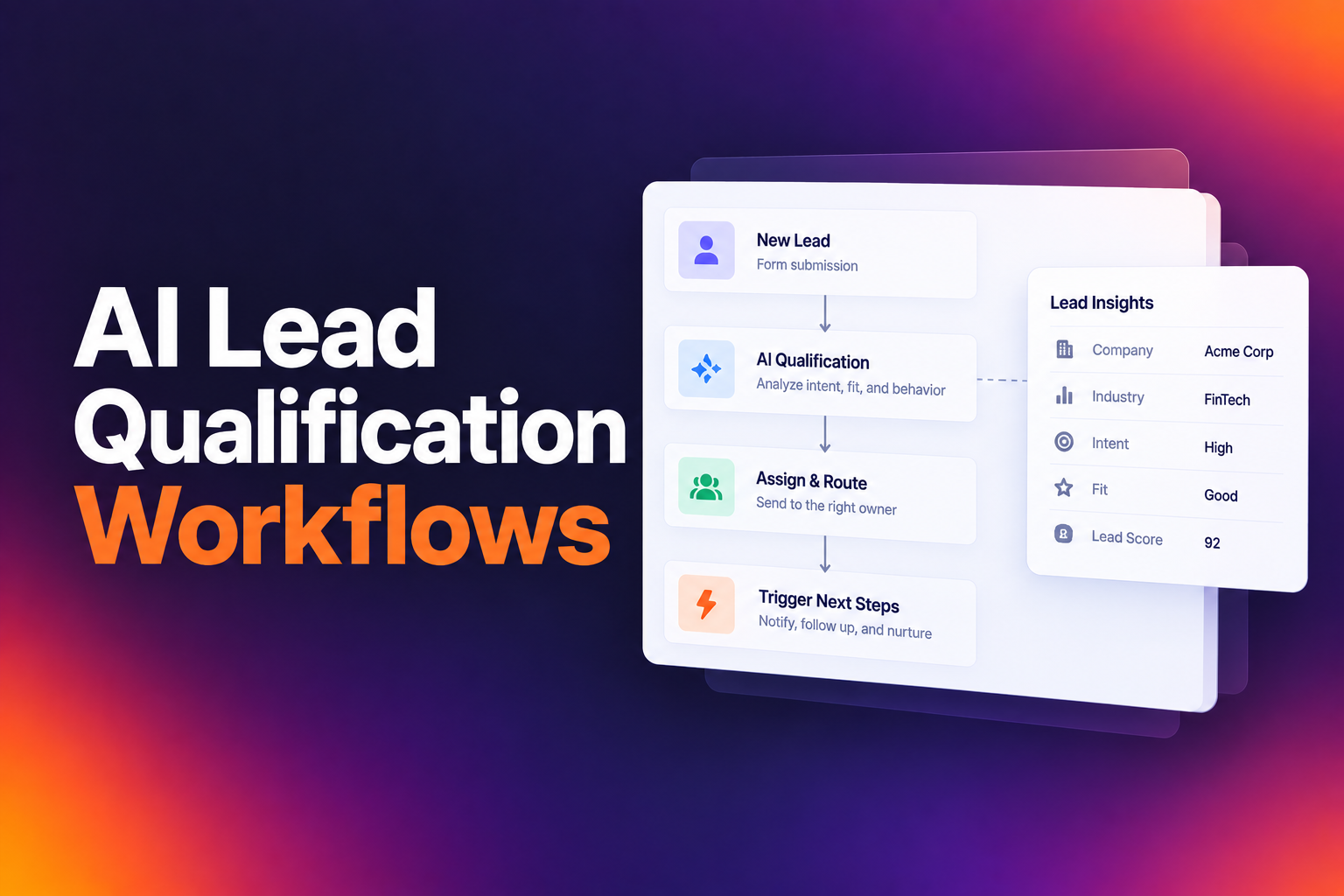
Instant scheduling only works if the lead lands on the right rep's calendar. This requires real-time enrichment and routing logic that goes beyond simple round-robin. Your system needs to check CRM ownership first: does this account already belong to someone? Then it should evaluate firmographic data like company size, region, and product interest to determine the correct assignment. Tools like RevenueHero handle this by combining form responses, enrichment data, and CRM history to route leads instantly, with no manual assignment step. The result is that existing account relationships stay intact, territory rules are respected, and the lead sees available times from the rep who's actually going to run the deal. For enterprise teams, this also means handling edge cases like rep PTO, territory mismatches, and nested routing rules without breaking the experience.
Building a Quarterly Audit Cadence for Revenue Operations
Running this audit once will improve your numbers. Running it every quarter will keep them from sliding back. Markets shift, your ICP evolves, new reps join the team, and routing rules that made sense six months ago start creating friction. Set a recurring calendar block for your RevOps team to review four things every 90 days: your qualified-to-booked rate benchmarked against the 62% median, your median time from form submission to confirmed meeting, your DQ rate and whether it's filtering the right leads, and your form fields and CTA language.
Q2 is historically the strongest quarter for inbound conversion, with April through June all exceeding 60%. Late summer, particularly August and September, tends to dip. Knowing these seasonal patterns helps you set realistic targets and avoid false alarms when numbers shift. The companies that consistently outperform aren't doing anything complicated. They're just disciplined about examining their funnel regularly, measuring what matters, and fixing what's broken before it costs them pipeline. If your team is converting at 40% today and you get to 62%, that's 22 more meetings for every 100 qualified leads on the same traffic. Get to 78%, and you've nearly doubled your output without spending another dollar on demand generation. That's the return on a well-run routing audit, and it compounds every quarter you keep doing it.
Let RevenueHero help your team turn high-intent users into booked meeting without slowing down your funnel.