.png)

This month is about certainty. Audit logs and workflow logs keep a full record of what ran and what changed across RevenueHero, so you can show your setup is working as intended and trace anything unexpected to its source. The rest tightens forms, matching and handoffs.
Audit Logs record every change, wherever it happens: Inbound and Campaign routers, Relays, forms and form mappings. Matching, distribution and redirect rules, and lists. Distribution Pods, meeting types, layouts, availability, holidays, personal and group links, workflows. Users, teams and org settings. Open one to see who made each change, when, from where, and the old value struck through beside the new. When a lead routes differently on Monday than it did on Friday, search the log. 🕵️
Workflow logs record every run: the reminder that went out, the webhook that failed and the exact error it returned, the step that was skipped and why. Check them on a meeting's Activities timeline, or open Workflow Logs on any workflow and filter for failures. When a rep swears a reminder never went out, the log settles it. 🔍
Hit Verify now in your Inbound router's Widget Installation and RevenueHero tests the page your router lives on: is the snippet installed, is the form connected, does the scheduler load. Anything broken comes back with steps to fix and a report you can copy to your web team. You find out before a prospect hits submit and nothing happens. 🛠️
Hit Check mapping on an Inbound form mapping and RevenueHero compares it against the live form on the page where your router is embedded. Every mismatched field comes with a suggested fix. A field renamed on the website could quietly break that link, and prospects ended up with the wrong rep or no scheduler at all. 🧭
When more than one Salesforce account shares a prospect's domain, Inbound matching rules let you pick which one counts: the most recently created or the most recently updated. Say an old account sits abandoned while your team works a newer one. Choose most recently updated and the meeting goes to the rep who owns the active account. Don't match stays the default until you change it. ⚖️
Relays can hand CRM ownership to the rep who books a meeting for themselves. Switch on the self-booked meetings toggle in the Prospect Form step of your Relay Router, and the booker becomes the owner in your CRM. Ownership used to stay with whoever already held the record, so someone had to reassign it by hand after the fact. 🤝
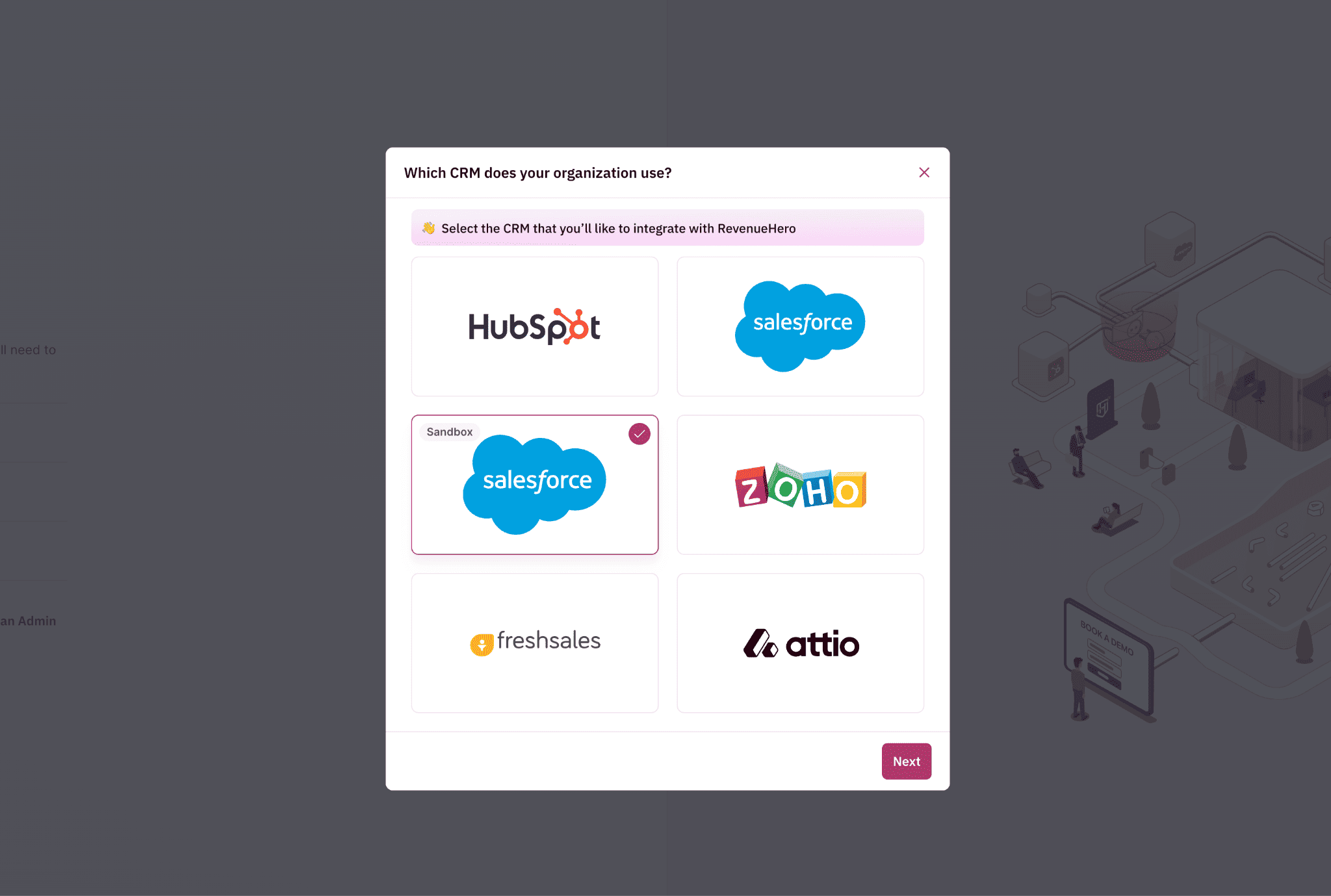
Pick the Salesforce Sandbox card when you connect your CRM, enter your sandbox domain and log in. It works like any Salesforce connection, so you can build and test routing on sandbox data, then switch to your production workspace when you're ready. RevOps teams that keep new tools out of production on day one used to need a developer to set it up. Not anymore. 🧪