.svg)

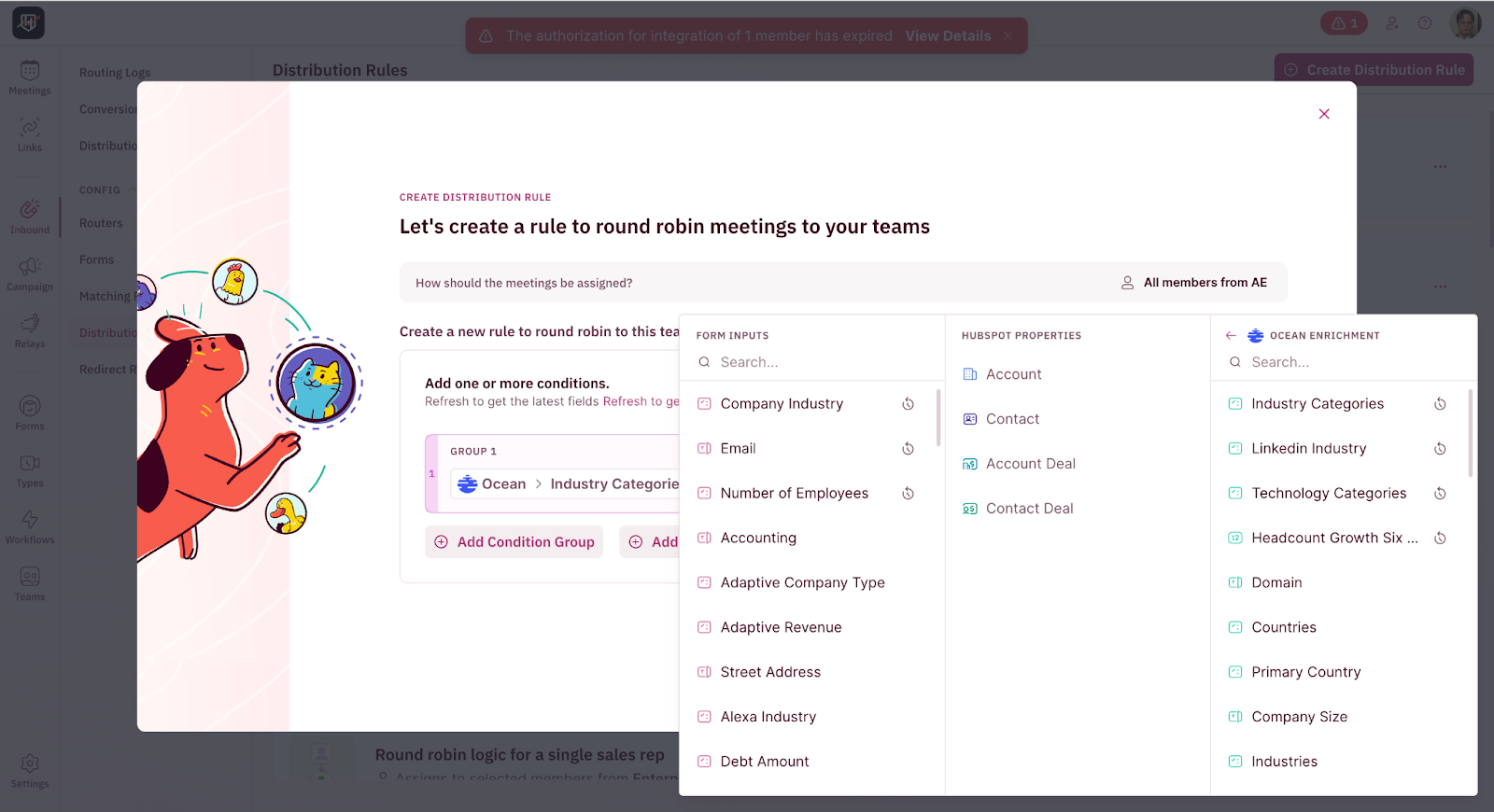
Use Ocean.io’s AI-driven intelligence to enrich every submission with both the individual prospect and their company information instantly. Identify who they are, where they work, and whether the company is a high-fit match, even when they submit incomplete data. This integration lets you qualify prospects with deep, contextual insights that go far beyond standard firmographics.
What you’ll need to get started
- A RevenueHero account connected to your CRM.
- A Ocean account
- A custom form implemented on your website
How it works
1. Configure hidden fields to capture enriched person and company data from Ocean.io by adding them to your web forms. To accurately enrich every lead, ensure the fields are in sync with your CRM. Refer to their implementation guide to set up the fields correctly.
2. Go to RevenueHero Settings > Integrations > Configure CRM and refresh fields to pull in the latest form data.
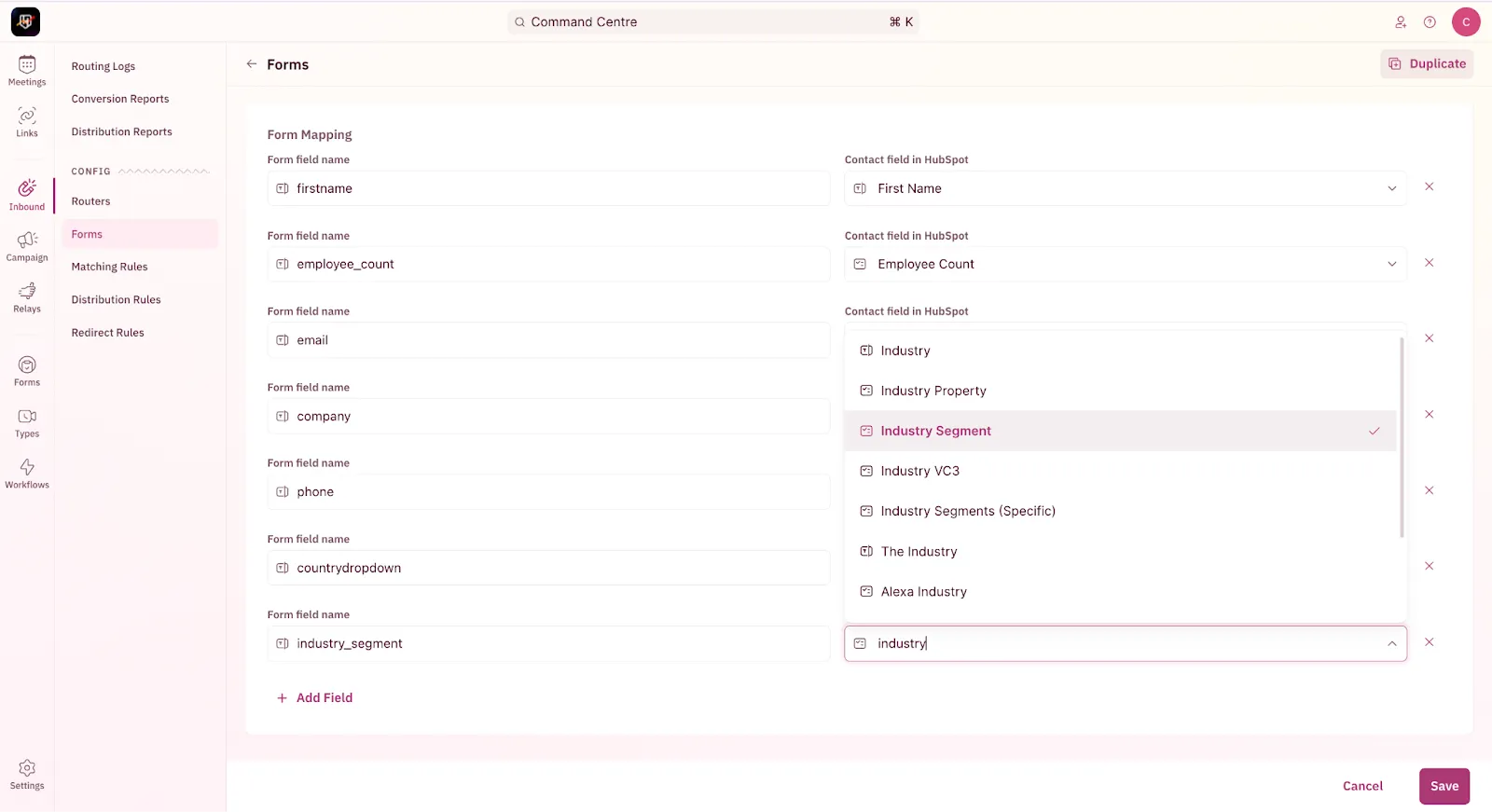
3. Map enriched person fields (like name, title, seniority, email) and company fields (like domain, size, industry, tech stack) in RevenueHero by heading to RevenueHero Inbound Router > Forms and linking the data fields to the right CRM properties. This allows RevenueHero to use them for qualification and routing.
4. Build routing rules to send leads to the right reps based on insights from Ocean. Whether it’s domain, seniority, or tech stack, you can define custom rules to match leads with the best-fit rep instantly.