



If your reps run their day in Gong, hopping out of it just to share a calendar is enough of a hassle to skip. So the email goes out with "let me know what works," and a booking that could have taken one click turns into a four-email thread.
With RevenueHero's Chrome extension, both jobs happen inside Gong. Book the handoff for an AE, or drop your open times into an email you're already writing.
What you'll need to get started
- RevenueHero Chrome extension (download & log in)
- A Gong account
How it works
- Install & log into the RevenueHero Chrome extension.
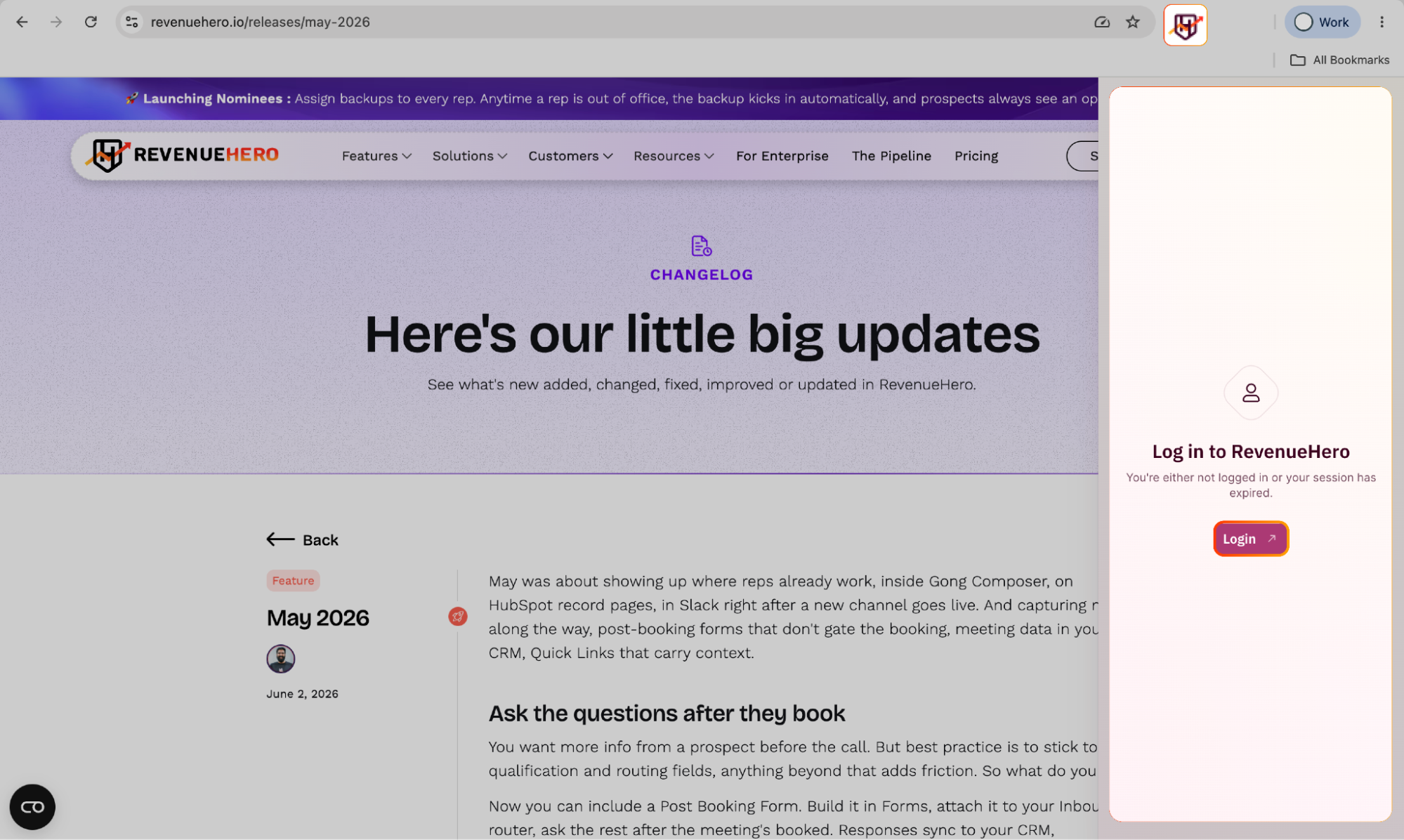
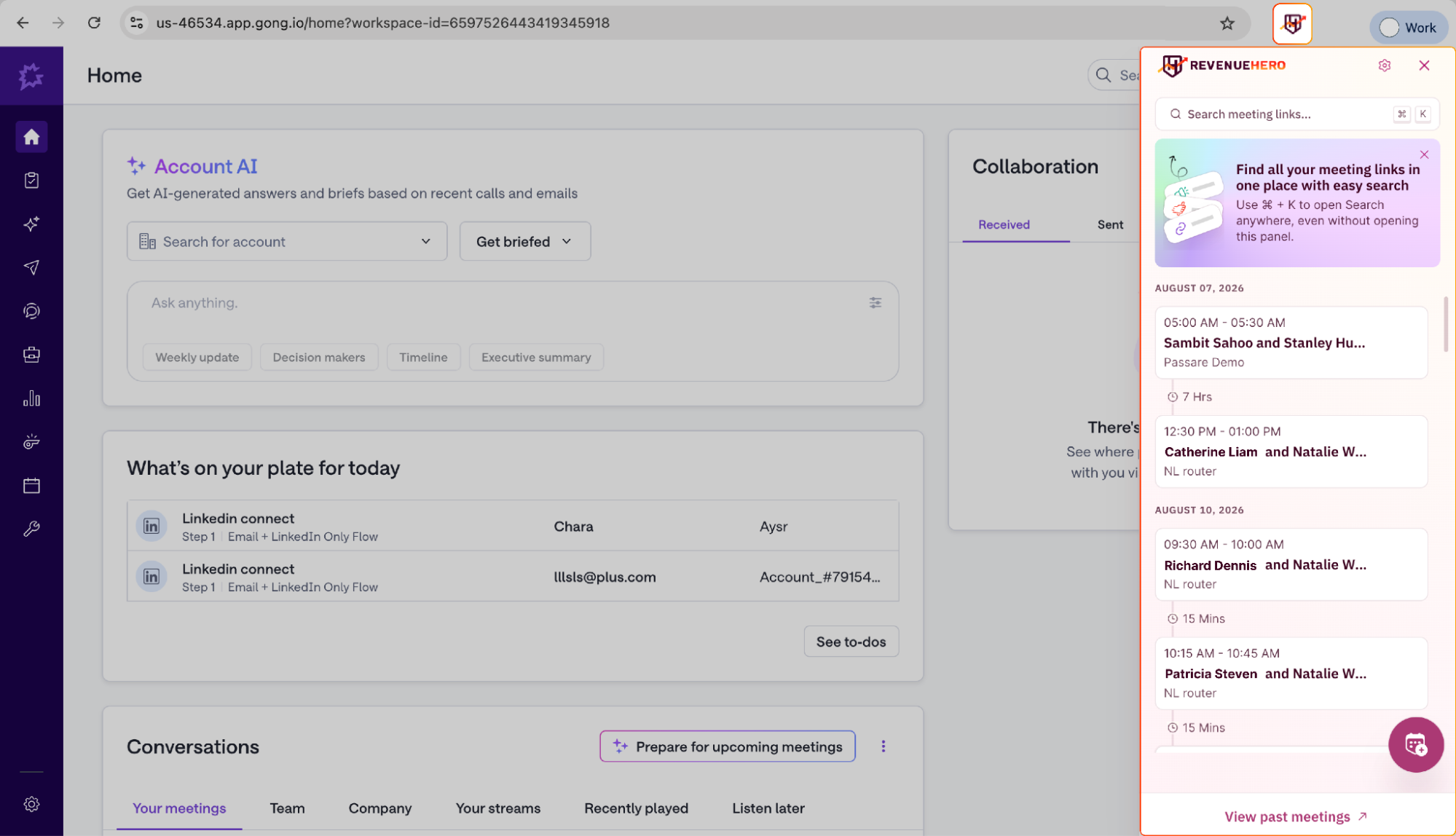
- Open Gong. You'll see the RevenueHero widget in the top right of your screen. Click it to book a handoff meeting for an AE without leaving the tab, and your routing rules pick who it goes to.
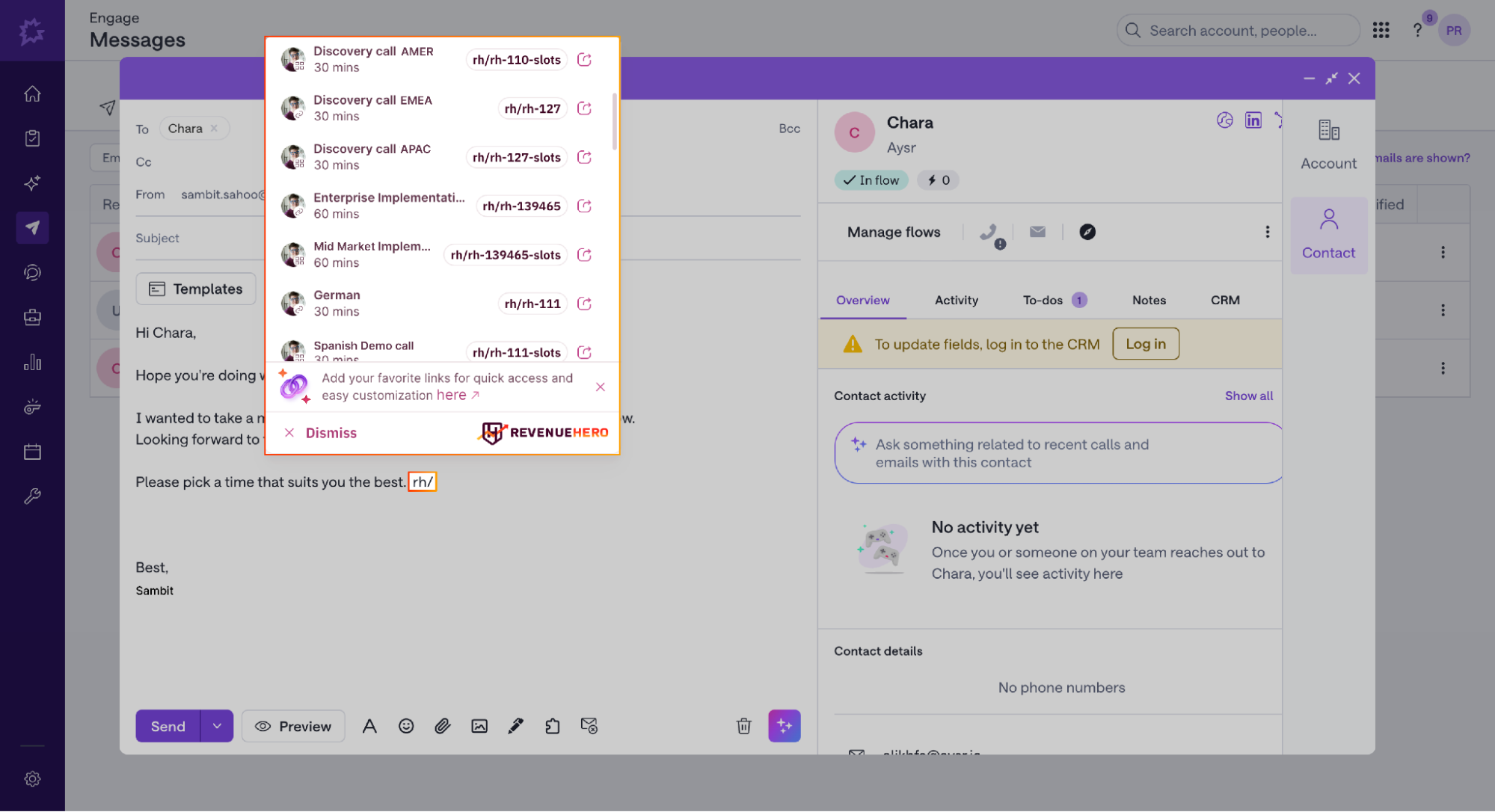
- In Gong Composer emails, type rh/ to drop in a Meeting Link, ready to book meeting time slots from a Relay, or specific time slots pulled from a Meeting Link.
If your prospect's info is already in Gong, RevenueHero pulls it in automatically. Just book the meeting or send over your slots, no repetitive form fills.


.svg)


