.png)

May was about showing up where reps already work, inside Gong Composer, on HubSpot record pages, in Slack right after a new channel goes live. And capturing more along the way, post-booking forms that don't gate the booking, meeting data in your CRM, Quick Links that carry context.
You want more info from a prospect before the call. But best practice is to stick to qualification and routing fields, anything beyond that adds friction. So what do you do?
Now you can include a Post Booking Form. Build it in Forms, attach it to your Inbound router, ask the rest after the meeting's booked. Responses sync to your CRM, conditional fields included. The link drops into the calendar invite, so anyone who skips can come back later. 📋
Your RevOps lead wants to keep competitors, and non-ICP leads off the AE queue. The only way before was inverse qualification logic: "qualify if NOT a competitor, NOT a free email." Awkward.
By setting up Disqualification Rules within your Inbound Routers, you can keep them away actively. Stack conditions on form fields, Salesforce properties, enrichment data, or blocked domains. Matched prospects redirect to any URL you set. 🚫
A prospect clicks your Relay link, opens the scheduler, doesn't book. Or fills out a Campaign form but never picks a slot. You want to remind the AE to follow up, ping #ae-deals, flip a CRM field, kick off a nurture sequence. Now you can.
Workflows fire for Campaigns and Relays too. Campaigns picks up "doesn't book meeting" and "submits a form." Relays picks up those two plus "disqualified." Wire whatever you need. ⚡
Your RevOps lead wants to slice no-shows by AE, broken down by meeting type. Or which router drove the most bookings last quarter. The reports your team has been wanting to run forever.
.png)
Event properties now sync to HubSpot to give you meeting-level insights. Same for Salesforce. Meeting Type, No Show, Router Name, Rule Name, cancel and reschedule links all land on the meeting record. Happens automatically, no setup needed. 📊
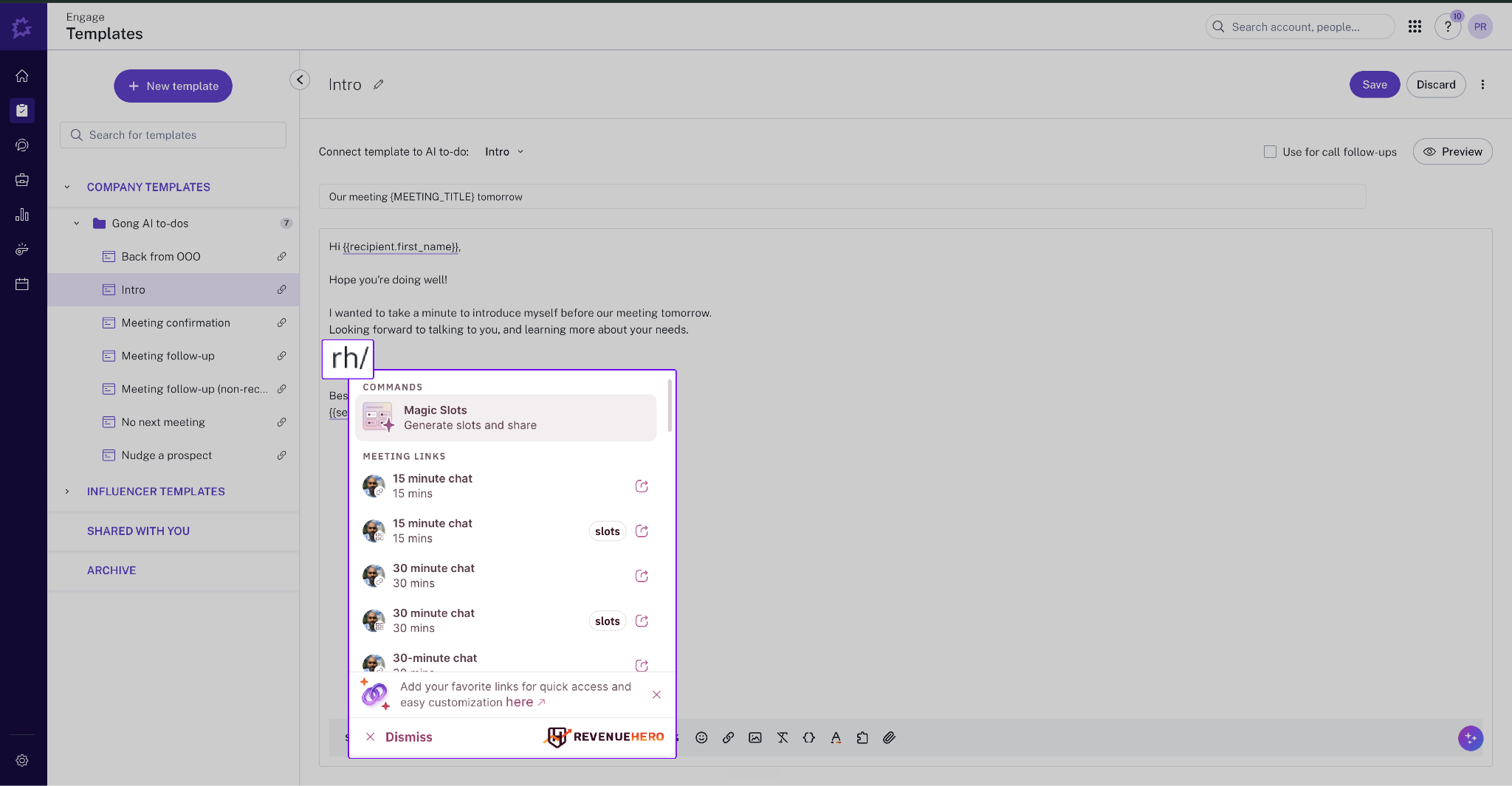
Your SDR composes a Gong sequence and wants to drop a booking link or open slots into the email. But they had to tab switch to Gmail or copy paste from RevenueHero widget.
`rh/` works from within Gong Composer, so reps can pick a Meeting Link, a Magic Slot (time slots from a Relay), or pull specific time slots from a Meeting Link. Recipient info from the Gong thread carries through, so the booking form's pre-filled when they click.
Your AE is on a HubSpot page eyeing a contact, or scrolling a list view spotting someone fresh. To book that meeting, they had to copy the email and paste it into the RH plugin.
Open the search bar in the RH plugin, pick "Book a meeting for a contact on this page," and every email on the page surfaces in the menu. Click one and the booking opens pre-filled, capped at the first 15 emails per page. Skip the copy-paste. 🔍
Your SDR sends a Quick Link to a prospect already in your CRM. The prospect lands on the booking page and re-enters name, email, company, the data you already have. Friction adds up, attribution falls apart.
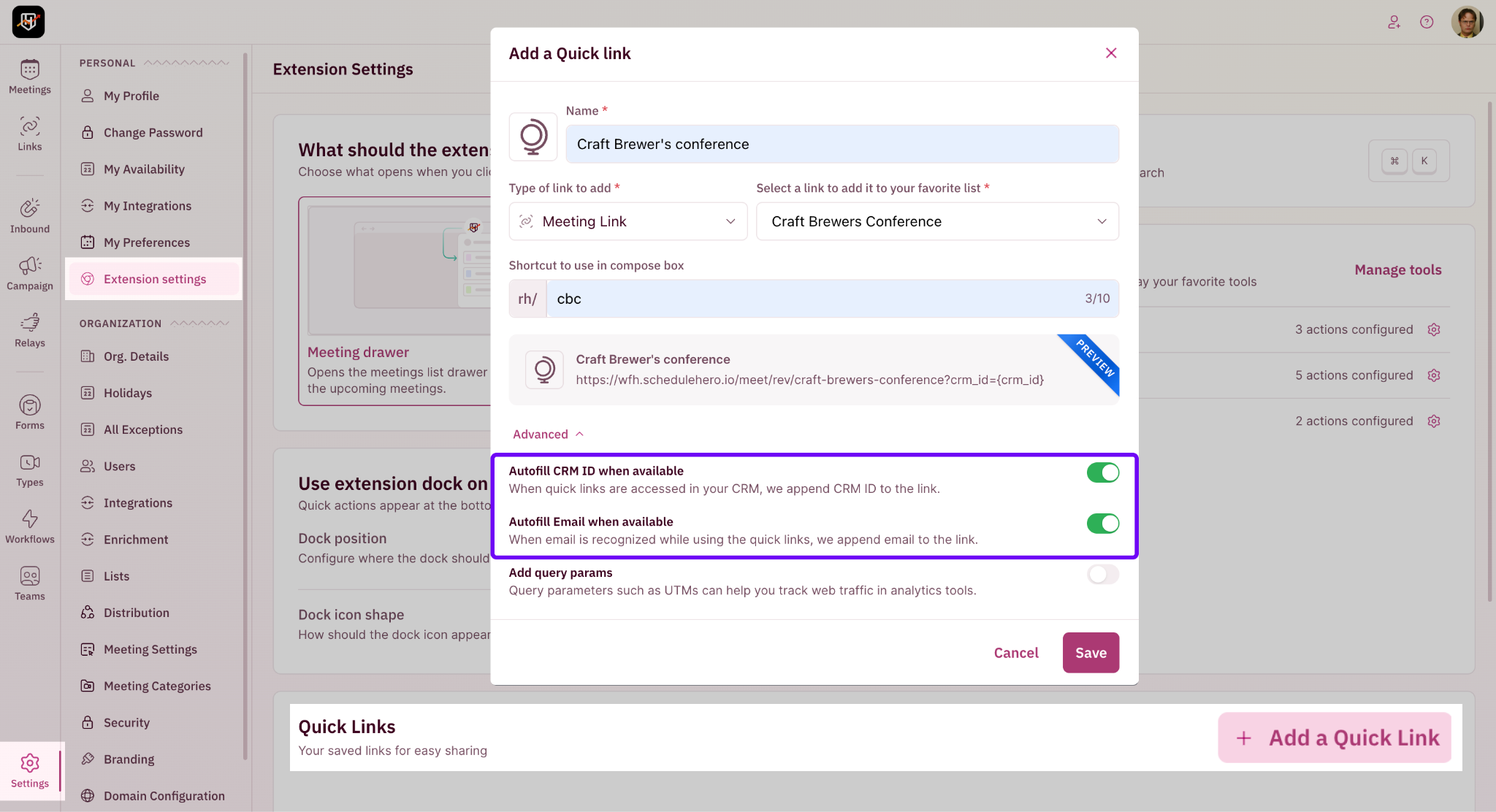
Quick Links carry the prospect's CRM ID when grabbed from a CRM record, or their email when grabbed from Gmail compose. Flip on Autofill CRM ID or Autofill Email in Advanced settings, and the prospect lands on a booking form already pre-filled. 🔗
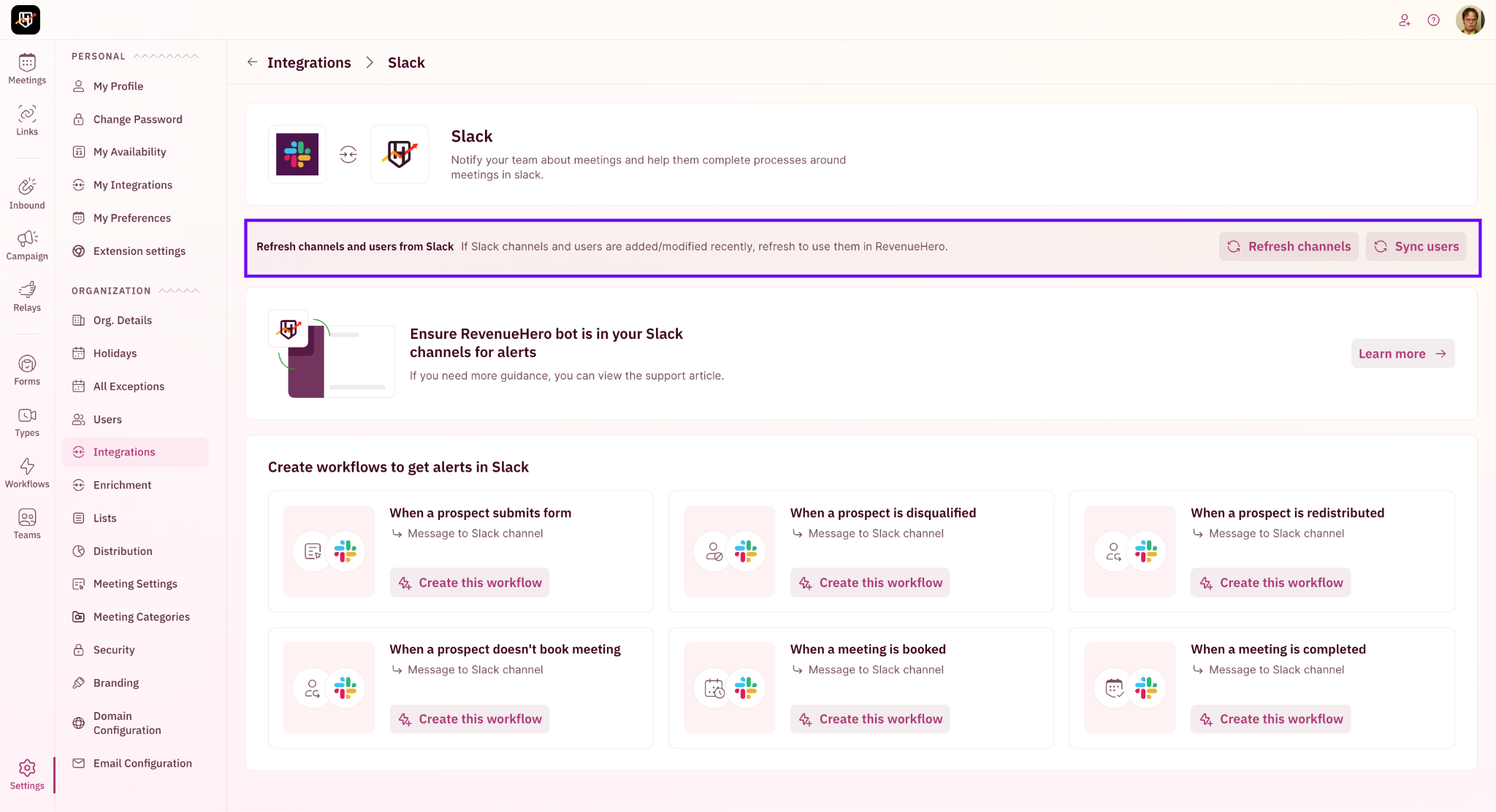
Your admin spins up a new channel in Slack and switches to RevenueHero to wire up an alert workflow. But the new channel isn't in the dropdown yet.
Slack channels and users auto-sync every 12 hours per account. Need it sooner? Hit Refresh in the Workflow Slack action screen, or within Settings → Integrations → Slack.