



Use your existing Attio details to match, qualify and route meetings to the right owners in your CRM. Automate meeting activity logging, and distribution of meetings for net new prospects from all your channels.
How it works
RevenueHero's native Attio integration authenticates through OAuth to read your People, Companies, Deals, and Workspace Members. This allows RevenueHero to route meetings based on your CRM data from any channel. When you connect Attio, RevenueHero automatically creates the `rh_` fields on your Person and Company records to store information about the meetings it processes.
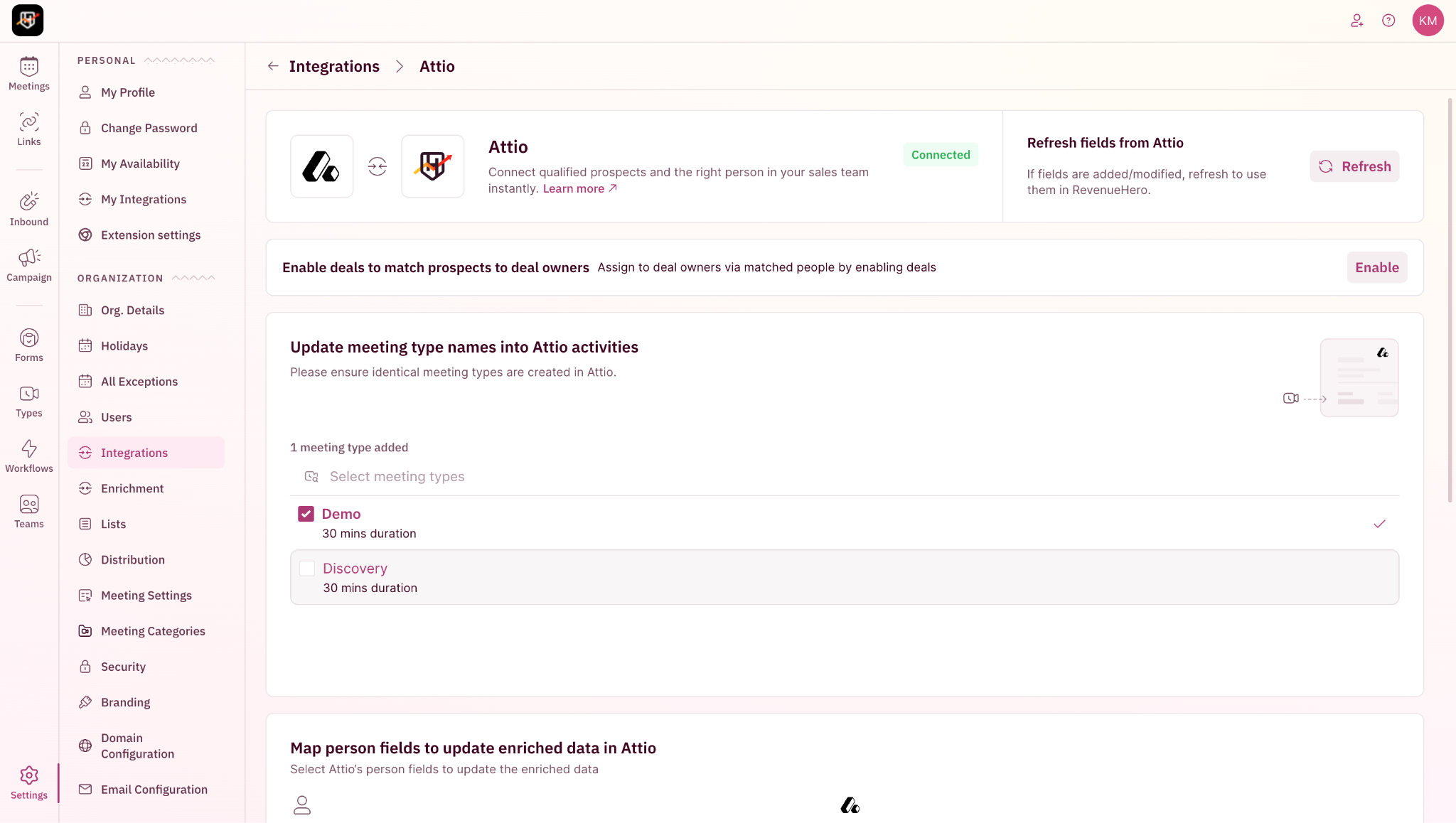
When a prospect submits a form, RevenueHero instantly checks your Attio records to:
- Match the prospect against existing People (by email) and Companies (by domain).
- Verify ownership by checking that the assigned sales rep is active and present in RevenueHero, so ownership is never outdated or ambiguous.
- For net new records, distribute meetings to the right sales rep based on your rule configuration in RevenueHero.
- Apply your qualification rules to determine eligibility for scheduling.
Based on the lookup results:
- Matched prospects see the available times of the existing record owner
- Net new prospects route through your distribution rules and round robin.
- Disqualification is written back to the Attio record.
- If a routed prospect does not book within the time you set, redistribution reassigns them so the lead does not sit cold.
After a meeting is booked, RevenueHero:
- Sends calendar invites to the prospect and assigned rep.
- Syncs all meeting details, including form-fill info and meeting outcomes, to the Attio Person and Company records in real time.
- Keeps ownership assignments up to date.
What you'll need to get started
Administrative Permissions
- A RevenueHero admin to connect the CRM.
- Access to the Attio workspace you want to sync.
Access granted through OAuth
- Read and write to People, Companies, Deals, and Workspace Members.
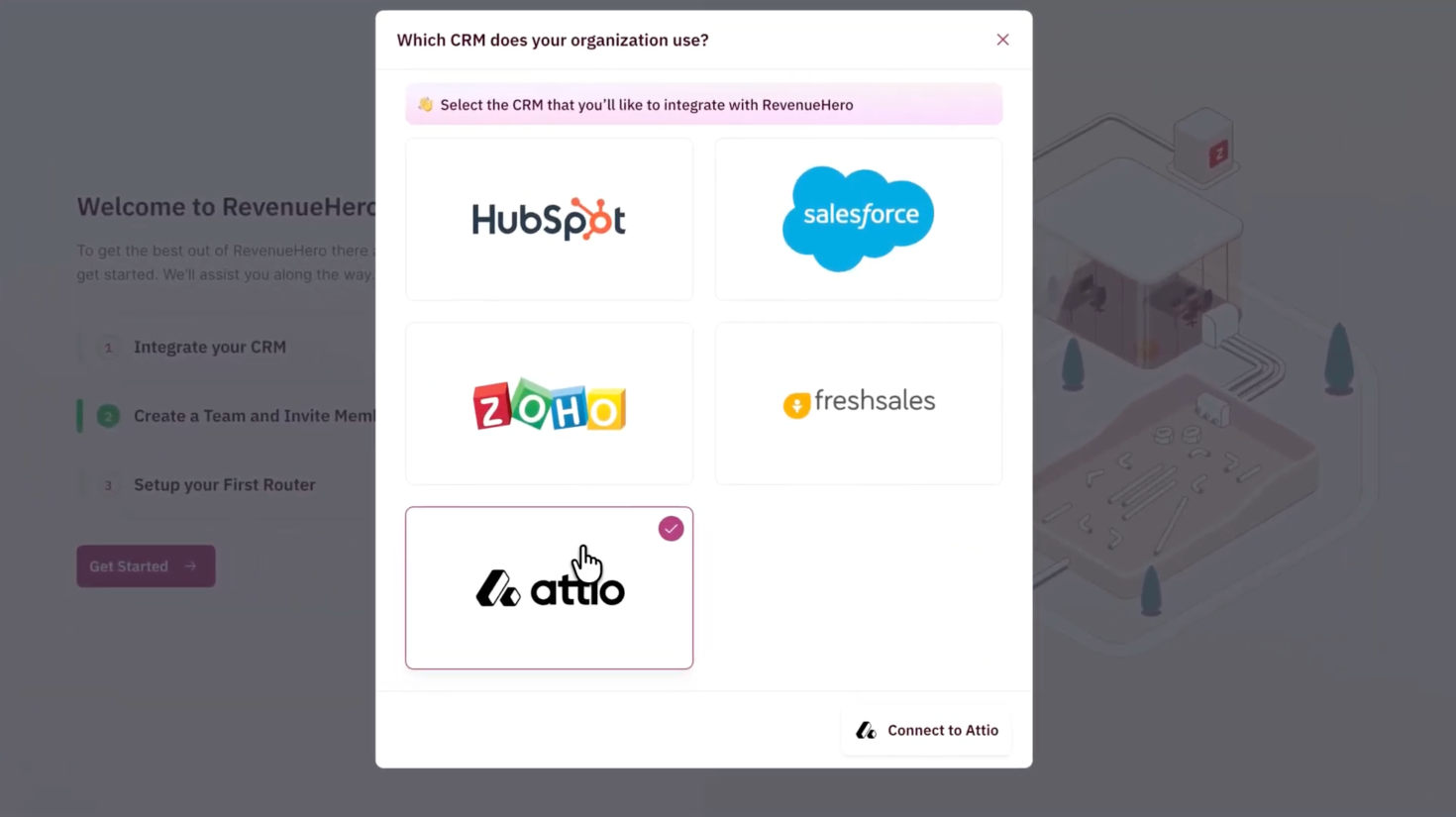
RevenueHero creates the `rh_` fields automatically. Only the form fields you want written back to Attio need to be mapped first.


