.png)

March was all about giving admins and reps more control over their setup. From finding resources faster to fine-tuning availability and meeting configurations, this month's updates are practical, specific, and already in your account.
Your team has an offsite on Wednesday afternoon. Or a rep volunteered for a Saturday product launch. Default working hours don't account for any of that, and manually blocking calendars creates gaps.
Exceptions let admins create date-specific blocks or overrides on top of existing working hours. Block a rep for a training session, or open up a Sunday for an end-of-quarter push. Scope blocks to specific meeting categories so an "Enterprise Demos" block doesn't mess with "SDR Screening Calls." Blocks apply in each user's local timezone, and RevenueHero checks for conflicts automatically before saving. Reps can manage their own exceptions too. 📅
Every resource page in RevenueHero now has search, filters, and custom views. Type a name and results narrow in real-time. Filter by properties specific to each page like duration, assigned user, meeting category, or team. Save your most-used filter combos as views, and share them with teammates via URL. Works across Meeting Types, Routers, Rules, Teams, Workflows, and more. 🔍
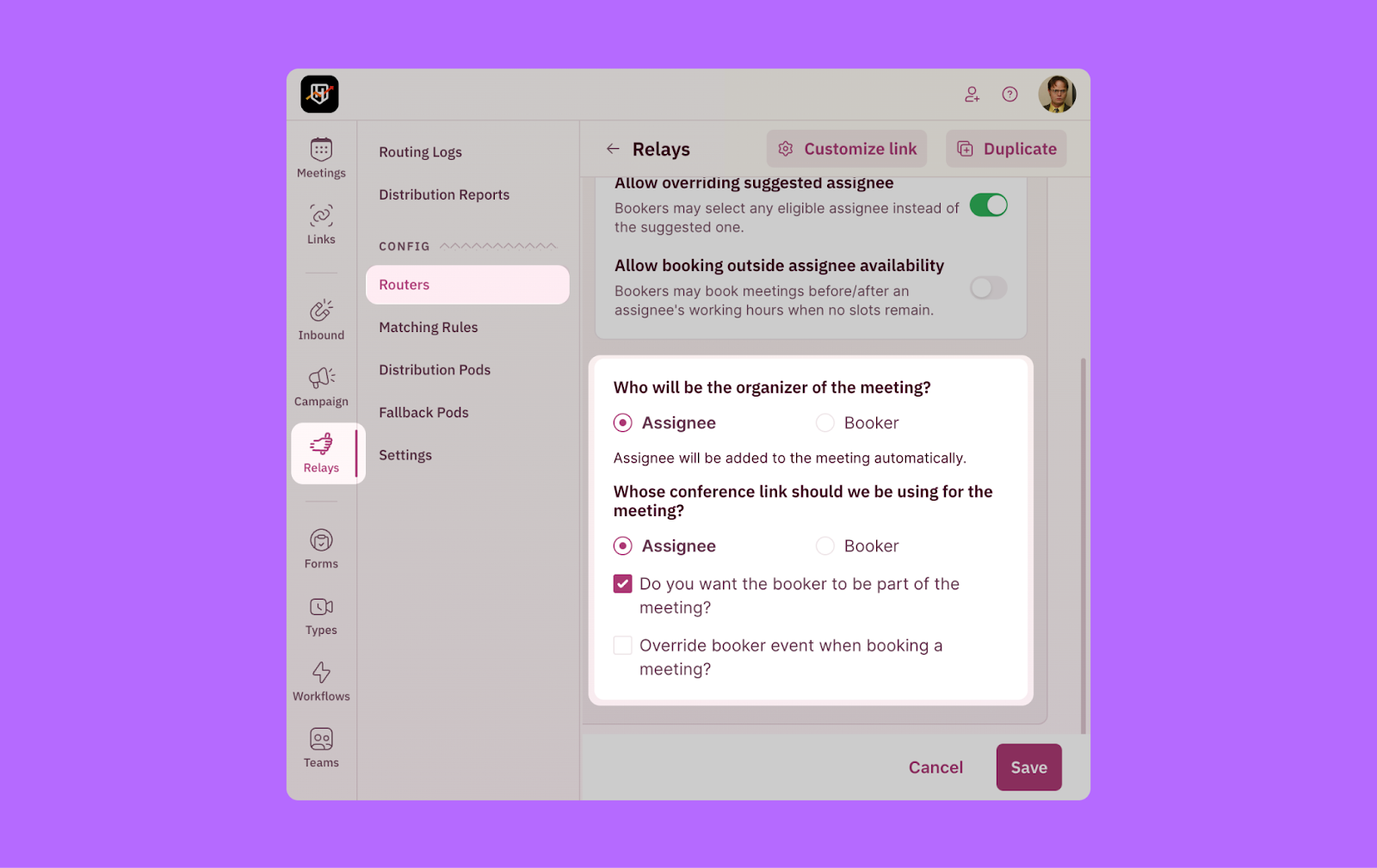
When an SDR books a meeting for an AE through Relays, who organizes the meeting and whose conference link the prospect receives are two different decisions. Now you can set them independently. Keep the SDR as the organizer so the prospect sees a familiar name, while sending the AE's conference link so they have full control over the meeting tool. You can also choose whether the booker joins the meeting, and even if they do, the AE's availability is what drives the slot display.
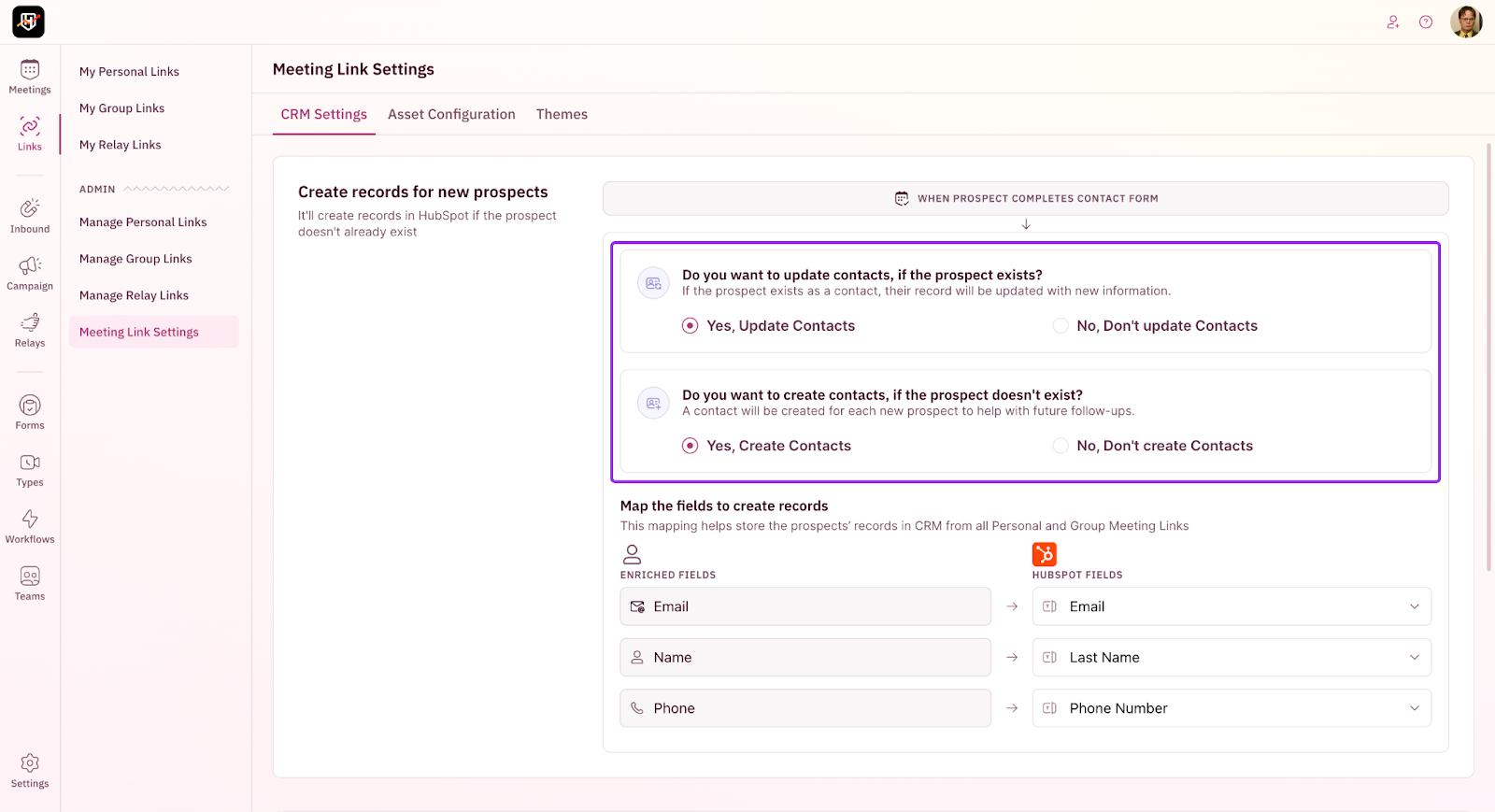
When reps book meetings through their personal links, the form data collected from prospects now flows directly to HubSpot or Salesforce. If the prospect already exists in your CRM, their record gets updated. If they don't, a new contact is created. No duplicates, no missing data. 📇